
 listicle
10 Best Custom QR Code Generators for Marketing
Table of Contents
- How We Evaluated These Custom QR Code Generators
- Quick Comparison: 10 Custom QR Code Generators at a Glance
- 1. Inkwell Tools: Privacy-First QR Codes With Real Free Tier
- 2. QRCode Monkey: No-Account Static Design Freedom
- 3. Uniqode QR Code Generator: Built for Business Campaigns
- 4. Flowcode: Free Plan With Paid Upgrade Path
- 5. Hovercode: Dynamic Codes for Marketing Teams
- 6. Pageloot: Roundup Regular With Dynamic Options
- 7. QR TIGER: Broad Business Toolset
- 8. Scanova: Dynamic Campaign Platform
- 9. QR Code Chimp: Straightforward Campaign Codes
- 10. Bitly: Link-First QR Workflows
- Static vs Dynamic QR Codes: Which Do You Need?
- Print, Privacy, and Scan Reliability
- Frequently Asked Questions
Last Updated: October 5, 2026
How We Evaluated These Custom QR Code Generators
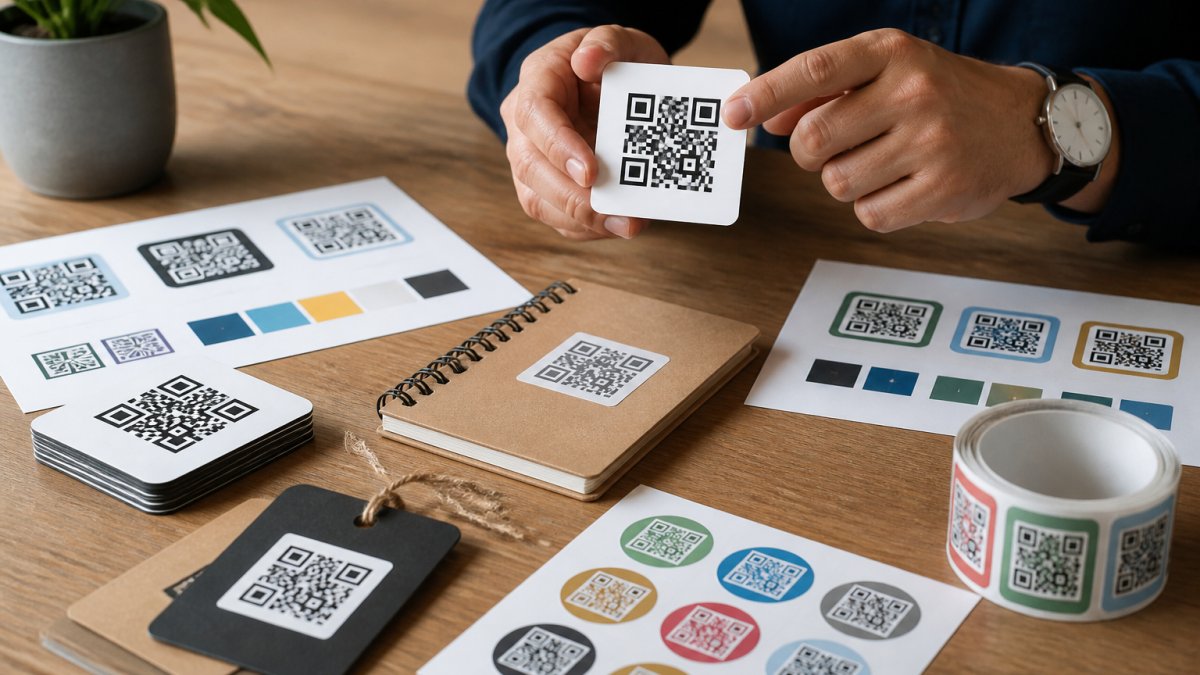
A custom QR code is a scannable square carrying your logo, colors, and call to action, sending scanners to your chosen destination.
One caveat: we could not verify current pricing for every tool. Where a plan price appears, it comes from published comparison coverage; where it doesn't, we say so. Check each vendor's site for today's numbers.
Quick Comparison: 10 Custom QR Code Generators at a Glance
| Tool | Free Tier | Dynamic Codes | Best For |
|---|---|---|---|
| Inkwell Tools | Yes, no trial timer | Yes | Privacy-conscious marketing teams |
| QRCode Monkey | Yes, no account | No (static) | One-off print codes |
| Uniqode | Not specified | Yes | Business campaigns |
| Flowcode | Yes | Yes | Testing before paying |
| Hovercode | Not specified | Yes | Marketing teams |
| Pageloot | Not specified | Yes | Mixed roundups |
| QR TIGER | Not specified | Yes | Business use |
| Scanova | Not specified | Yes | Dynamic campaigns |
| QR Code Chimp | Not specified | Yes | Campaign teams |
| Bitly | Yes | Yes | Link-first workflows |
1. Inkwell Tools: Privacy-First QR Codes With Real Free Tier
Our top pick for marketing teams handling client data. Inkwell Tools builds lean, single-purpose utilities, and every tool carries a real free tier with no trial timers, so you can run a full campaign test before spending anything.
The trade-off: Inkwell Tools is a focused studio, not a bulk-enterprise platform. If you need thousands of codes in one upload, test the free tier against your volume first.
2. QRCode Monkey: No-Account Static Design Freedom
QRCode Monkey is the fastest route to a good-looking static code: no signup, no dashboard, extensive color and logo options. The catch is the word static, once printed, that destination cannot be changed. Fine for a menu, business card, or one-time flyer; not for anything you might redirect later.
3. Uniqode QR Code Generator: Built for Business Campaigns
Uniqode appears across business-focused QR comparisons, with dynamic codes and analytics as its core pitch, a fit for multi-channel campaigns needing scan counts by placement. Plan prices aren't verified in our sources, so start budget conversations with a demo.
4. Flowcode: Free Plan With Paid Upgrade Path
Flowcode offers a free plan plus paid tiers, with Starter pricing listed at $9.99/month in published comparison coverage. Treat that as a starting reference and confirm billing terms directly, since the sources don't specify what each tier includes. A reasonable place to learn dynamic codes before committing.
5. Hovercode: Dynamic Codes for Marketing Teams
Hovercode shows up consistently in dynamic QR roundups and is positioned for marketing use. Dynamic codes let you edit the destination URL after printing, the biggest advantage for campaign work. Pricing and plan limits aren't verified in our sources.
6. Pageloot: Roundup Regular With Dynamic Options
Pageloot appears in more than one comparison and in dynamic QR roundups specifically. It's a generalist with reasonable coverage across code types, including vCard and Wi-Fi codes. Specific features and integrations aren't detailed in our sources.
7. QR TIGER: Broad Business Toolset
QR TIGER recurs across business and dynamic QR comparisons, covering the standard range of code types and landing page destinations. As with several tools here, we couldn't verify pricing or plan limits, so test the free options before assuming fit. Versatility extends beyond simple landing pages, as many professionals now integrate QR code business cards to streamline networking and contact management.
8. Scanova: Dynamic Campaign Platform
Scanova is named among dynamic QR platforms and targets marketers who want scan analytics tied to campaigns. If your reporting needs geolocation or device data, verify those features with the vendor before committing.
9. QR Code Chimp: Straightforward Campaign Codes
QR Code Chimp rounds out the dynamic-focused tools in our sources, listed as a QR platform option with the usual dynamic code capabilities. Free-tier availability isn't confirmed in the research.
10. Bitly: Link-First QR Workflows
Bitly pairs QR codes with short links, which helps if your team already tracks campaigns through link analytics. It has a free tier, and the QR feature sits inside a broader link management product. If you only need codes, you're paying for capability you may not use.
Static vs Dynamic QR Codes: Which Do You Need?
Every generator here produces one of two code types, and the choice drives your budget, reporting, and risk. A static QR code encodes the destination directly into the pattern. A dynamic QR code encodes a short redirect URL the vendor controls, mapping that URL to your real destination on their servers.
That single architectural difference produces every practical trade-off marketers care about:
| Factor | Static | Dynamic |
|---|---|---|
| Destination editable after print | No | Yes |
| Scan tracking | None | Counts, timing, often device and location |
| Subscription required | No | Usually yes |
| Works if vendor shuts down | Yes | Only while redirects resolve |
| Best for | Menus, business cards, one-time flyers, packaging you will reprint | Campaigns, A/B tests, multi-channel print, anything you cannot reprint |
| Cost model | Free or one-time | Monthly or annual per code or per scan volume |
The decision rule that actually holds up
Ask one question: will you ever need to change the destination, or prove which placement drove the scan? If yes to either, you need dynamic. If no to both, static saves money and removes vendor dependency.
A common pattern: static codes on permanent assets where the destination never changes, a storefront window, a product label pointing to a fixed support page, and dynamic codes on anything tied to a campaign with an end date.
Where dynamic codes get expensive
Dynamic pricing rarely scales the way buyers expect. Vendors commonly meter on one of three axes: number of dynamic codes, monthly scan volume, or seats. A plan that looks cheap at 5 codes can become a real line item at 200 codes or 500,000 scans. Before committing a print budget, confirm three things in writing:
- What happens to your codes if you downgrade or cancel, do redirects keep resolving, and for how long?
- Whether scan volume is capped, throttled, or billed overage.
- Whether you can export the destination list so you could rebuild codes elsewhere.
Connecting code type to campaign measurement
This is where most roundups stop, and where the real marketing value sits. A scan count is not a conversion. To connect scans to outcomes, treat the QR destination like any other tracked link:
- Append UTM parameters to the destination URL (
utm_source,utm_medium,utm_campaign, and a placement-specificutm_content) so your analytics platform attributes the visit to the exact flyer, shelf talker, or package panel. - Use a unique dynamic code per placement rather than one code everywhere. One code across five placements gives you one number; five codes give you five numbers and a clear winner.
- Match the code's landing page to the placement. A package scan and a direct mail scan usually deserve different pages, or at least different UTM values, so downstream conversion rates are comparable.
Pairing one dynamic code per placement with consistent UTM tagging turns QR reporting from a vanity metric into a channel you can compare against email, paid social, and direct mail on the same dashboard.
Print, Privacy, and Scan Reliability
A QR code that looks great on screen and fails on a shelf talker is a wasted print run. Here are the three things that decide whether your codes actually scan, and what happens to the data when they do.
Print production: the specifications that matter
Most scan failures trace back to four variables. Get these right and reliability problems largely disappear:
- Contrast. Dark modules on a light background is the safe default. Inverted codes (light on dark) scan inconsistently across phone cameras and are risky on packaging. If your brand palette forces low contrast, test before you print.
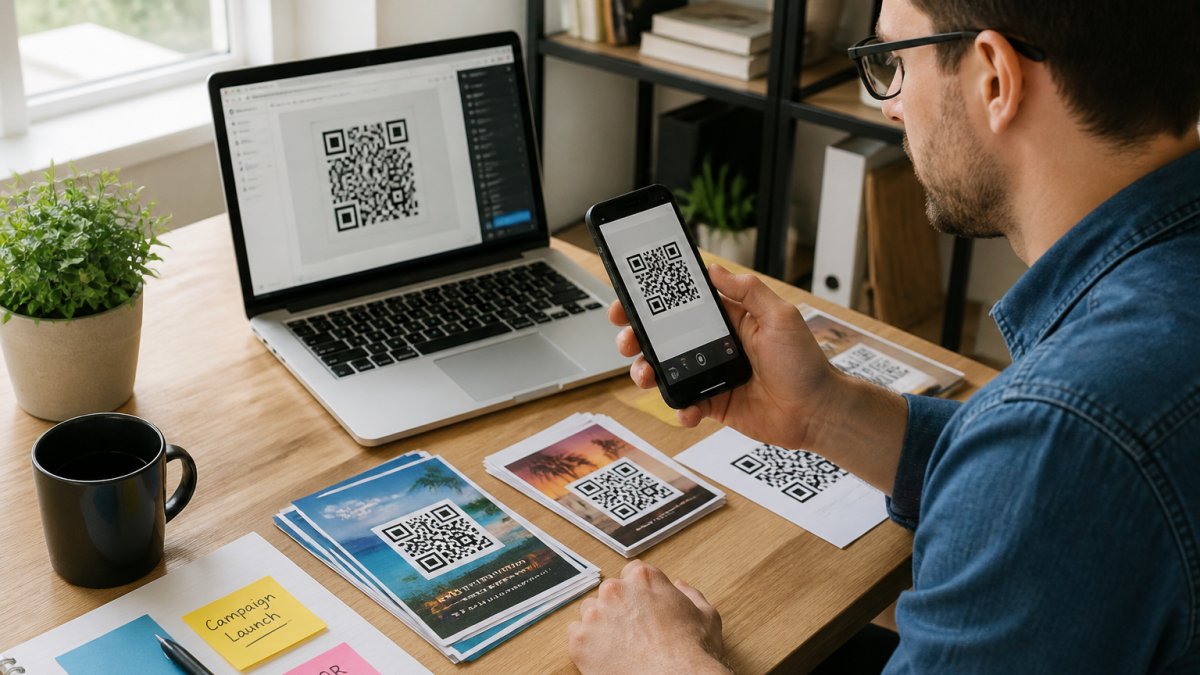
- Minimum size. Size depends on scan distance. A common rule of thumb is a code roughly one-tenth the scanning distance, so a code read from 10 feet should be about 1 foot across. For close-range print like business cards and flyers, most practitioners keep codes at least 0.8 to 1 inch (about 2 to 2.5 cm) square. Smaller than that, and camera focus becomes the bottleneck.
- Quiet zone. Leave a clear margin around the code, roughly four modules wide is the conventional minimum. Crowding the code with text, borders, or a busy photo background is one of the most common causes of failed scans.
Test the way it will be used
A code that scans on your monitor tells you almost nothing. Test the way the audience will:
- Print a physical proof at final size and on the final material, matte, gloss, and corrugated board all behave differently.
- Scan with multiple phones, including at least one older device and one with a scratched or smudged lens.
- Test under the lighting the code will live in: dim restaurant interiors, direct sun on outdoor signage, glare on laminated packaging.
- Test at the real distance and angle, a code on a curved bottle or a moving vehicle is a different problem than one on a flat poster.
- Scan the code at least a few dozen times across devices before approving the run.
Accessibility and the call to action
Not every scanner can see the code, and not every phone user knows what to do with one. Two habits help:
- Pair the code with a short text call to action that says what happens next, "Scan to see the menu" or "Scan for 15% off", rather than leaving the code unexplained.
- Provide an alternative path. A printed URL or a short link next to the code means someone who cannot scan is not locked out of the offer. This also helps when a code is damaged in the field.
Privacy, consent, and data retention
This is the part most roundups skip, and it matters more as scan analytics get richer. With a dynamic code, every scan routes through the vendor's servers, so scan data, counts, timestamps, and often device type, OS, and approximate location, lands in the vendor's system, not yours.
Before you deploy dynamic codes on packaging, signage, or direct mail, work through these questions:
- What is collected? Ask the vendor for the exact data fields captured per scan. Counts and timestamps are near-universal; device and location data vary by vendor and plan tier.
- How long is it retained? Retention windows differ widely. Some vendors keep scan data indefinitely on paid plans; others cap it. Get the answer in writing.
- Who owns it? Confirm whether you can export scan data and whether the vendor can use it for their own purposes.
Where this leaves the list
Reliability is not a design feature you can eyeball; it is a testing discipline. The generators here differ far less on how pretty a code looks than on how much control you get over error correction, export, redirect longevity, and scan data. Weigh those before you weigh color pickers.
Frequently Asked Questions
What features should marketers look for in a custom QR code generator?
Prioritize editable destination URLs, scan tracking with geolocation and device data, and design controls for logo and color customization. You also want error correction high enough to keep the code scannable after branding, plus a free plan that lets you test before paying. Bulk generation and integrations matter if you run many campaigns. Check whether the plan limits scan counts or dynamic codes, since those caps decide your total cost as campaigns scale.
Can custom QR codes track scans and campaign performance?
Yes, but only dynamic QR codes can. A dynamic code points to a short redirect URL you can edit later, so every scan passes through the provider's analytics dashboard. You get scan count, time of day, device type, and often geolocation. Static codes encode the destination directly and cannot report anything. If campaign measurement matters, choose a custom QR code generator with analytics and confirm the plan includes the scan volume you expect.
What is the difference between static and dynamic QR codes?
A static QR code encodes the destination URL directly in the pattern. It never expires and needs no subscription, but you cannot change where it points or track scans. A dynamic QR code encodes a short redirect link. You can edit the destination anytime, track every scan, and swap campaigns without reprinting materials. Static suits one-off print pieces; dynamic suits ongoing marketing where you need attribution, updates, or A/B testing of landing pages.
How can I make a QR code match my brand without breaking scannability?
Keep contrast high between the code modules and the background, and leave the quiet zone around the edge clear. Place a logo in the center only if the tool supports higher error correction, typically level H, so the code survives the covered area. Test the finished code with multiple phones at the actual print size before sending it to production. A code that scans on your monitor can fail on a small flyer or a curved package.
Is there a free QR code generator that will last forever?
Static codes from free tools generally last indefinitely because nothing routes through a server. Dynamic codes depend on the provider keeping the redirect alive, so a free plan that stops working takes your codes with it. If you need permanence, either use static codes or confirm the provider's policy on what happens to active codes if you downgrade or cancel. Print materials with dead codes are expensive to fix.
Marketing teams rarely fail at making a QR code. They fail at measuring it. If you need codes that respect your data and a free tier you can actually finish a campaign on, start with Inkwell Tools. Our QR and link tools process core editing in your browser, every tool carries a real free tier with no trial timers, and a portion of our revenue funds scholarships for BIPOC students. Explore tools and put your first campaign code together today.