 listicle
AI Tools for Project Documentation: 2026 Guide
Table of Contents
- Why AI Tools for Project Documentation Matter
- Top AI Tools for Project Documentation Organization
- AI Document Management Software: Key Selection Criteria
- Best Practices for Project File Organization
- Automated Project Documentation Templates
- Integration and Workflow Automation
- Security, Compliance, and Data Privacy
- Frequently Asked Questions
Last Updated: August 31, 2026
Why AI Tools for Project Documentation Matter
Disorganized project documentation costs teams real time and money. When critical information scatters across Slack, Google Docs, and email, knowledge workers waste hours hunting for context instead of shipping work. According to McKinsey's 2025 analysis on AI in the workplace, organizations implementing AI-driven workflow automation report 20-30% time savings on routine project management tasks, much of it from better documentation retrieval.
The market validates this trend. The AI in project management sector is projected to grow from $3.9 billion in 2026 to $7.7 billion by 2030, at a CAGR of 17.3%, driven by teams desperate to centralize and search their documentation. What separates effective AI documentation tools is how they handle version control, metadata extraction, and semantic search without forcing teams to restructure their workflow. The best tools integrate seamlessly into existing stacks without requiring users to learn new platforms.

Top AI Tools for Project Documentation Organization
Inkwell Tools: Privacy-First Project Organization
Inkwell Tools processes core editing in your browser, so files never leave your machine unless you explicitly send them. For teams handling sensitive documentation, this matters. The platform excels at turning scattered notes into structured artifacts, extracting action items from transcripts, organizing files by project phase, and generating summaries without noise.
Unlike tools requiring ecosystem adoption, Inkwell integrates with existing stacks alongside Slack, email, and current repositories. It commits to privacy without dark patterns or data harvesting, offering a real free tier with no trial timers.
Pros:
- Privacy-respecting: core editing processed in the browser
- Real free tier with no trial timers
- AI-assisted project management with source tracing
- Lean, single-purpose design
Cons:
- Best suited for teams prioritizing privacy over maximum features
Best For: Teams handling sensitive documentation who need AI organization without surveillance capitalism.
Notion AI: Knowledge Management at Scale
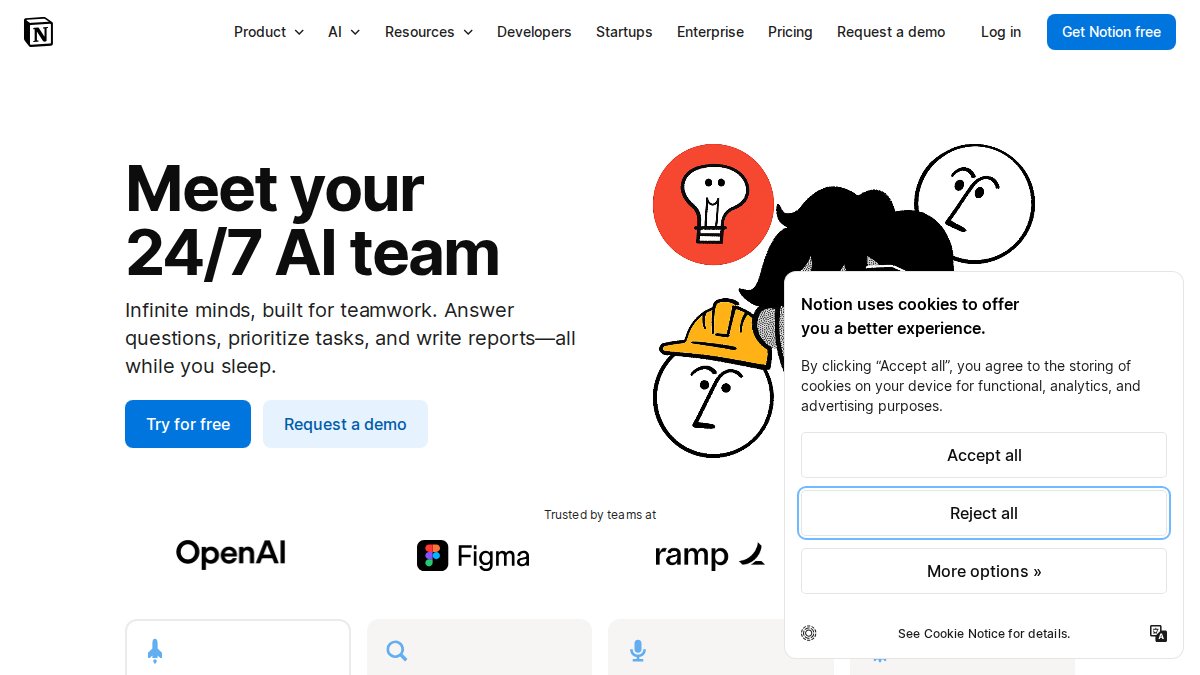
Notion AI integrates directly into Notion workspaces, making it native for teams already standardized there. It handles writing, editing, summarization, and brainstorming without leaving the page. Semantic search and database queries make it valuable for knowledge management at scale.
The tradeoff is cost and lock-in. AI features cost $10 per member per month on top of Notion subscriptions. For a team of 10, that's $100 monthly just for AI. Documentation outside Notion remains unreachable.
Pros:
- Seamless integration with existing Notion workflows
- Versatile AI for writing and summarization
- Improves efficiency in content creation
Cons:
- Requires existing Notion subscription
- AI features are additional $10/member/month
- Limited to knowledge stored within Notion
Best For: Teams already using Notion as their primary knowledge base.
ClickUp AI: Integrated Task Automation
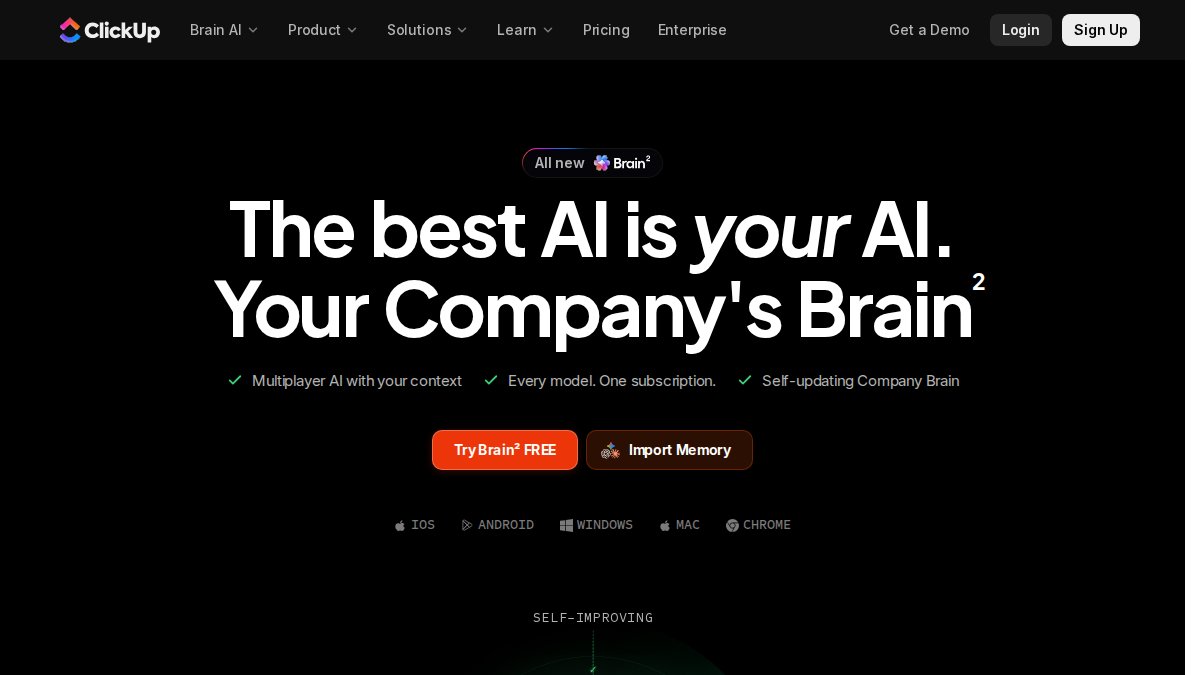
ClickUp AI integrates directly into ClickUp's project management platform, understanding tasks, timelines, and dependencies. Over 100 AI prompts cover different use cases from marketing copy to project briefs. The AI generates context-aware summaries and recommendations based on project structure.
Configuration burden is real, though. Users report spending extensive time defining rules to get desired behavior. ClickUp AI costs $5-$10 per workspace monthly, which may exceed base platform costs for smaller teams.
Pros:
- Deep integration with ClickUp's project management suite
- Wide range of AI tools for diverse content needs
- Automates routine writing and summarization
Cons:
- Requires existing ClickUp subscription
- Configuration can be time-intensive
- AI features are additional cost
Best For: ClickUp users managing complex, multi-team projects.
Scribe: Automatic Process Documentation
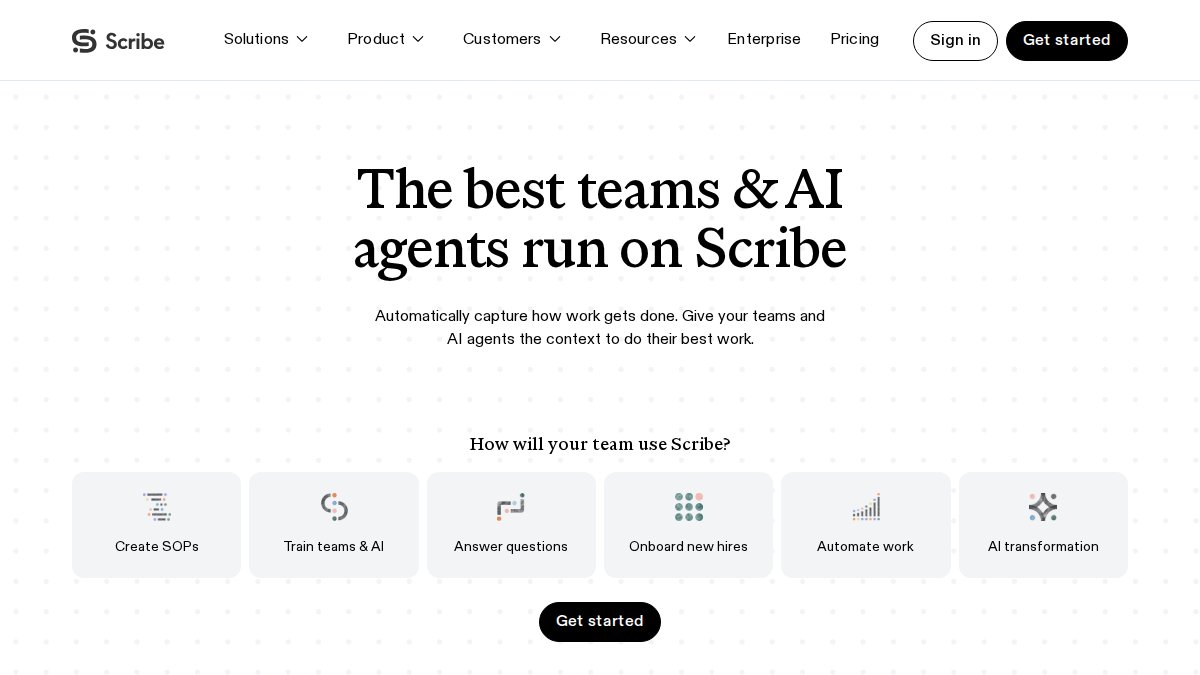
Scribe solves a specific problem: creating step-by-step guides without manual writing. You perform a task, Scribe records it, and generates guides with screenshots and annotations. The AI generates descriptions based on recorded actions. The free tier includes basic functionality; Pro starts at $29 per user monthly.
Scribe excels at process documentation but isn't designed for free-form project documentation or complex knowledge organization. It's unmatched for capturing workflows but is one tool in a larger stack.
Pros:
- Dramatically reduces time to create process documentation
- Ensures accuracy by capturing actual user actions
- Easy to share and update guides
Cons:
- Primarily focused on process documentation
- Free plan has limited features
- Doesn't address broader knowledge management
Best For: Teams that frequently create training materials and SOPs.
Confluence Smart Links: Enterprise Collaboration
Confluence integrates Smart Links and AI to embed dynamic content from other tools directly into documentation. A Smart Link to a Jira ticket shows real-time status. This creates a unified documentation layer across your toolchain. Confluence's AI handles summarization, search recommendations, and content generation. The free tier supports up to 10 users.
Confluence can be difficult to set up without a dedicated knowledge manager. AI features enhance existing content rather than generate complex documents from scratch. Teams using tools outside the Atlassian ecosystem manage multiple disconnected systems.
Pros:
- Strong integration with Atlassian ecosystem (especially Jira)
- Excellent for collaborative knowledge management
- AI features improve content discoverability
- Free tier for up to 10 users
Cons:
- Can be complex to set up and manage
- AI features are more enhancement-focused than generative
- Best suited for teams already using Atlassian products
Best For: Teams using Jira and other Atlassian products who need a unified knowledge base.
AI Document Management Software: Key Selection Criteria
Semantic search and natural language processing are non-negotiable. Search for "client concerns from last month's calls" and the tool surfaces relevant meeting notes and documents without exact phrase matches. This separates tools that genuinely save time from those that just add another search interface.
Automated indexing and metadata extraction determine whether documentation becomes more organized. The tool should automatically categorize files by project, date, owner, and content type without manual tagging.
Version control and file retrieval matter more than most teams realize. You need clear history, reversion ability, and audit trails showing who changed what and when.
Workflow automation creates real time savings. According to Harrisburg University's 2024 research on AI in project management, 46% of participants use AI mainly for task automation and enhancing functions like brainstorming, significantly boosting efficiency. The best tools automate routine tasks, flag incomplete sections, route documents for review, and trigger notifications.
Integration capabilities determine whether the tool becomes part of your stack or an isolated silo. Can it connect to Slack, email, your project management tool, and cloud storage? Tools that don't integrate force manual information movement between systems.
Data classification and security are critical for sensitive information. The tool should classify documents by sensitivity level, enforce user permissions, and support compliance requirements like HIPAA, GDPR, or SOC 2.
Best Practices for Project File Organization
Start with a clear information architecture. Define how information flows through projects. What's a project? What's a phase? What's a deliverable? When everyone understands the structure, the AI can organize information consistently.
Establish naming conventions for files and folders. Use patterns like [Project]-[Phase]-[Date]-[Description]. The AI can learn these patterns and apply them automatically.
Create a single source of truth. Don't let documentation scatter across Slack, email, Google Drive, and your project management tool. Pick one place for each information type.
Archive old projects intentionally. Move old documentation to an archive rather than deleting it. This keeps active documentation clean and makes the AI's job easier.
Use templates for recurring documents. Meeting notes, project briefs, decision logs, and status updates should have templates. Templates ensure consistency and make the AI's job easier.
| Practice | Benefit | Implementation Time |
|---|---|---|
| Clear information architecture | AI can organize consistently | 4-8 hours upfront |
| Naming conventions | Improves search accuracy | 2-4 hours to define |
| Single source of truth | Reduces duplication | Varies by team size |
| Archive old projects | Keeps active documentation clean | 1-2 hours per project |
| Templates for recurring docs | Ensures consistency | 2-3 hours per template |
Automated Project Documentation Templates
Templates shift AI documentation tools from reactive (organizing what exists) to proactive (structuring what gets created).
Decision Log Template: Capture the decision, who made it, when, reasoning, and alternatives considered. AI can extract decisions from meeting notes, populate the template, and flag incomplete entries.
Project Brief Template: Include objective, success metrics, stakeholders, timeline, dependencies, and risks. The AI can generate executive summaries and flag missing information.
Meeting Notes Template: Structure attendees, agenda items, decisions, action items with owners and due dates, and relevant document links. AI can transcribe meetings, extract action items, and generate summaries automatically.
Status Report Template: What happened this period, what's planned next, risks, blockers, and metrics. The AI can generate reports by pulling data from your project management tool.
Templates should be specific to your organization, not generic. A software development template won't work for marketing teams.
Integration and Workflow Automation
Integration moves AI documentation tools from "nice to have" to "business critical." A tool isolated from your stack requires manual data entry and context switching. A tool integrated into existing workflows becomes invisible.

API documentation and structured data are foundational. The tool should expose APIs to connect with your CRM, analytics tool, and email system. When the AI can read and write to multiple sources, it orchestrates workflows that would otherwise require manual intervention.
Real-time collaboration means multiple people work on the same document simultaneously. The AI should track changes, maintain version history, and prevent conflicts.
Workflow triggers and automation rules deliver real productivity gains. "When a project enters the 'Launch' phase, automatically generate a launch checklist." "When a decision is logged, create a Jira ticket." These automations compound across dozens of workflows.
According to Document360's 2026 report on AI documentation trends, 75% of developers will use Model Context Protocol (MCP) servers for their AI tools by 2026, allowing AI to automatically create, update, and manage guides by connecting to systems, apps, and APIs.
Slack and email integration are critical. When your AI tool reads Slack threads and email chains, it surfaces relevant information, extracts decisions, and flags items belonging in your documentation system.
Security, Compliance, and Data Privacy
Generative AI tools sometimes generate false or fabricated information without clear warning, creating significant risks like relying on outdated requirements.
Data security in transit and at rest is table stakes. The tool should encrypt data both when transmitted and stored. Verify third-party security audits and compliance with relevant standards.
User permissions and access control determine who sees what. The tool should support role-based access control and maintain audit logs tracking access.
Compliance with regulatory requirements varies by industry. Healthcare needs HIPAA compliance. Financial services need SOC 2. Legal teams need attorney-client privilege protection. The tool should support these explicitly.
AI hallucination risks in technical documentation are real. When the AI generates content, it should cite sources and flag uncertain information. A tool tracing recommendations back to source documents is more trustworthy.
Data residency and sovereignty matter for regulated jurisdictions. If data must stay within the country, you need a tool supporting that. Many AI platforms route data through U.S. servers, which may not comply with your requirements.
For teams prioritizing privacy, Inkwell Tools processes core editing in the browser, keeping data on your machine by default. You control what gets sent to external services.
Choosing the right AI tools for project documentation requires balancing functionality, integration, security, and team workflow. The best tool integrates into your existing stack, respects your data, and actually saves time. Start with clear information architecture, implement templates, and automate workflows wasting the most time. When done right, AI documentation tools shift documentation from burden to competitive advantage, helping your team find answers faster, keep decisions documented, and onboard measurably easier.
Ready to simplify your project documentation? Explore Inkwell Tools' AI-assisted project organization capabilities. With privacy-first processing, a real free tier, and no trial timers, you can test whether AI documentation organization works for your team before committing budget.
=== FAQ ANSWERS (audit these too, same rules) ===
[1] Q: Which AI tool is best for project documentation? A: The best AI tool depends on your team's existing workflow. Notion AI excels for teams already using Notion for knowledge management, while Scribe is ideal for creating step-by-step process documentation automatically. For privacy-conscious organizations, Inkwell Tools offers AI-assisted project organization with secure, in-browser file processing. According to 2026 data, 75% of knowledge workers already use generative AI at work, making integration with your current stack critical to adoption success.
[2] Q: How can AI document management software improve team productivity? A: AI document management software reduces time spent on routine documentation tasks through automated summarization, draft generation, and file organization. Organizations implementing AI-driven workflow automation report 20-30% time savings on routine project management tasks. The software handles natural language processing to extract metadata, enables semantic search across documents, and automates version control. Teams benefit from real-time collaboration features and reduced manual file retrieval, allowing focus on strategic work rather than administrative overhead.
[3] Q: What security risks should I consider when using AI for project documentation? A: Key security concerns include data privacy, compliance with regulations like HIPAA or SOC 2, and ensuring sensitive information isn't exposed during AI processing. Choose tools that offer end-to-end encryption, user permission controls, and transparent data handling practices. Verify whether the tool processes files locally in your browser or sends data to external servers. For enterprise use, confirm the vendor has third-party security audits and maintains compliance certifications. Avoid tools that use your documentation to train AI models without explicit consent.
[4] Q: Can AI automatically categorize and organize project files? A: Yes, modern AI tools use metadata extraction and data classification to automatically organize files. They analyze document content, extract key information, and assign tags or categories based on learned patterns. This enables semantic search, allowing teams to retrieve documents by meaning rather than exact keywords. However, AI occasionally struggles with ambiguous or highly specialized content, so human review is recommended for mission-critical documentation. Tools like Inkwell Tools and Notion AI provide AI-assisted organization with transparency about how files are categorized.
[5] Q: What's the difference between AI documentation tools and traditional project management software? A: Traditional project management tools focus on task tracking and timeline management, while AI documentation tools emphasize content creation, organization, and knowledge retrieval. AI tools excel at summarization, draft generation, and automating routine writing tasks. They integrate natural language processing to understand document context and enable intelligent search. Modern solutions like ClickUp AI and monday.com AI blur this line by combining project management with AI writing assistance, creating integrated platforms that handle both task synchronization and documentation workflows.
Frequently Asked Questions
Which AI tool is best for project documentation?
The best AI tool depends on your team's existing workflow. Notion AI excels for teams already using Notion for knowledge management, while Scribe is ideal for creating step-by-step process documentation automatically. For privacy-conscious organizations, Inkwell Tools offers AI-assisted project organization with secure, in-browser file processing. According to 2026 data, 75% of knowledge workers already use generative AI at work, making integration with your current stack critical to adoption success.
How can AI document management software improve team productivity?
AI document management software reduces time spent on routine documentation tasks through automated summarization, draft generation, and file organization. Organizations implementing AI-driven workflow automation report 20-30% time savings on routine project management tasks. The software handles natural language processing to extract metadata, enables semantic search across documents, and automates version control. Teams benefit from real-time collaboration features and reduced manual file retrieval, allowing focus on strategic work rather than administrative overhead.
What security risks should I consider when using AI for project documentation?
Key security concerns include data privacy, compliance with regulations like HIPAA or SOC 2, and ensuring sensitive information isn't exposed during AI processing. Choose tools that offer end-to-end encryption, user permission controls, and transparent data handling practices. Verify whether the tool processes files locally in your browser or sends data to external servers. For enterprise use, confirm the vendor has third-party security audits and maintains compliance certifications. Avoid tools that use your documentation to train AI models without explicit consent.
Can AI automatically categorize and organize project files?
Yes, modern AI tools use metadata extraction and data classification to automatically organize files. They analyze document content, extract key information, and assign tags or categories based on learned patterns. This enables semantic search, allowing teams to retrieve documents by meaning rather than exact keywords. However, AI occasionally struggles with ambiguous or highly specialized content, so human review is recommended for mission-critical documentation. Tools like Inkwell Tools and Notion AI provide AI-assisted organization with transparency about how files are categorized.
What's the difference between AI documentation tools and traditional project management software?
Traditional project management tools focus on task tracking and timeline management, while AI documentation tools emphasize content creation, organization, and knowledge retrieval. AI tools excel at summarization, draft generation, and automating routine writing tasks. They integrate natural language processing to understand document context and enable intelligent search. Modern solutions like ClickUp AI and monday.com AI blur this line by combining project management with AI writing assistance, creating integrated platforms that handle both task synchronization and documentation workflows.
This article was written using GrandRanker