 listicle
Best AI Tools for Meeting Notes in 2026
Table of Contents
- AI Tools for Meeting Notes: Quick Comparison
- How to Manage Team Meeting Notes with AI Assistants
- Top AI Meeting Note Tools Ranked
- 1. Fathom: Best Free Option for Sales Teams
- 2. Fireflies.ai: Best for Collaboration and Analytics
- 3. Otter.ai: Best for Transcription Accuracy
- 4. Granola: Best for Human-Centric Note-Taking
- 5. Avoma: Best for Sales Coaching
- 6. tl;dv: Best for Multi-Language Support
- 7. Tactiq: Best Privacy-Focused Option
- 8. Read.ai: Best for Meeting Health Metrics
- Privacy-Focused AI Note Takers for Enterprise Teams
- AI Meeting Summary Templates and Workflows
- Key Features to Compare Across Tools
- Which Tool Should You Choose?
- Frequently Asked Questions
Last Updated: September 4, 2026
AI Tools for Meeting Notes: Quick Comparison
Managing meeting notes efficiently separates high-performing teams from those drowning in scattered documentation. AI tools for meeting notes have transformed how professionals capture, organize, and act on meeting content, automating transcription, generating summaries, and extracting action items in real time.
The landscape has shifted dramatically. According to Laxis's comparative analysis of AI note-taking platforms, teams testing five major AI note-taking apps across 200+ real meetings found that tool selection depends entirely on your workflow priority: transcription accuracy, collaboration features, privacy requirements, or sales-specific analytics.
At Inkwell Tools, we understand that meeting documentation shouldn't require manual labor. This guide breaks down the best AI tools for meeting notes available today, helping you choose the right fit for your team's specific needs.
| Tool | Free Tier | Starting Price | Best For | Key Strength |
|---|---|---|---|---|
| Fathom | Unlimited | Free | Sales teams | CRM integration |
| Fireflies.ai | Yes | $10/user/mo | Collaboration | Conversation analytics |
| Otter.ai | Yes | $10/user/mo | Transcription | Accuracy & searchability |
| Granola | Yes | Free | Human-centric notes | Hybrid AI approach |
| Avoma | Yes | $19/user/mo | Sales coaching | Revenue intelligence |
| tl;dv | Yes | $20/user/mo | Remote teams | Multi-language support |
| Tactiq | Yes | $8/user/mo | Privacy-focused | Bot-free recording |
| Read.ai | Yes | $8.33/user/mo | Meeting health | Engagement metrics |
How to Manage Team Meeting Notes with AI Assistants

Effective team meeting note management requires three core components: automated capture, centralized access, and actionable output. AI assistants handle the first two automatically, freeing your team to focus on decisions and follow-ups rather than transcription.
The workflow is straightforward. During a meeting, the AI tool records audio, generates a real-time transcript, and identifies speakers. After the meeting ends, it produces a summary highlighting key decisions and action items. Most tools integrate directly with your calendar, CRM, or project management system, so notes appear where your team already works.
According to tl;dv's evaluation of free AI note-taking options, teams using automated meeting notes save an average of 5 hours per week previously spent on manual documentation. The real productivity gain emerges when notes sync automatically to your CRM or Slack, triggering follow-up workflows without human intervention.
Top AI Meeting Note Tools Ranked
1. Fathom: Best Free Option for Sales Teams
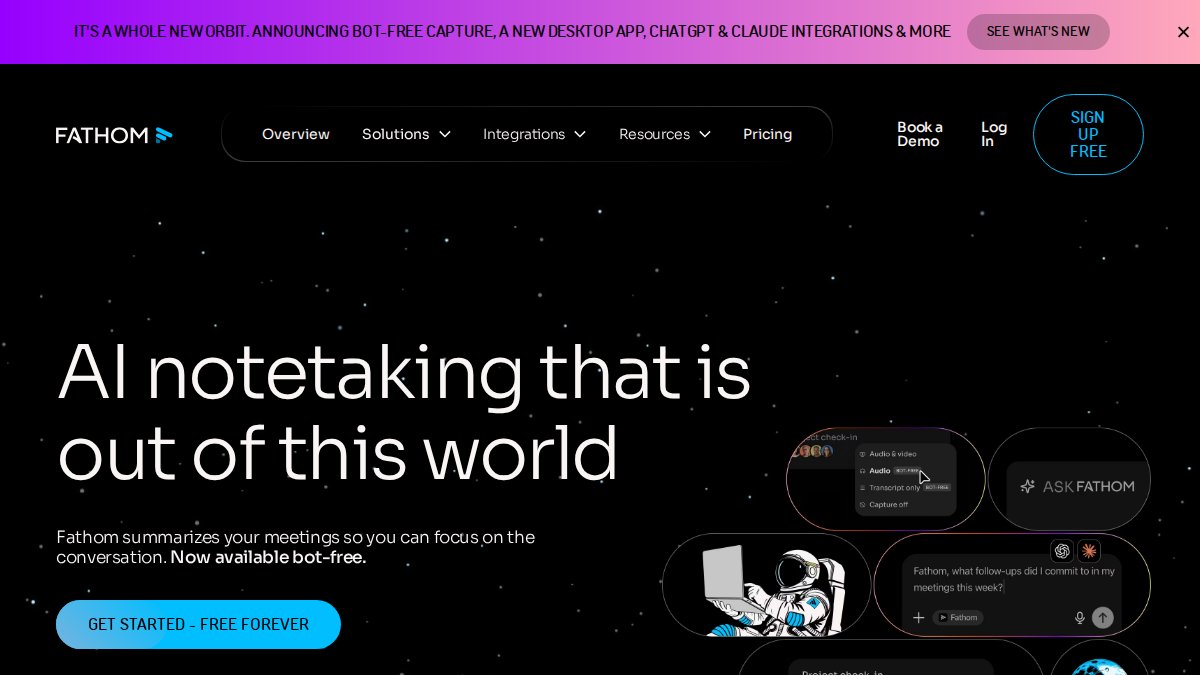
Fathom delivers unlimited free transcription and recording with zero hidden limitations. For sales teams specifically, the value proposition is hard to beat: one-click highlight tagging during calls, automatic CRM synchronization to Salesforce and HubSpot, and customizable summary templates.
The free tier includes everything most small teams need. You record meetings, Fathom transcribes them, and summaries sync directly to your CRM. There's no contact limit, no time restriction, and no "upgrade now" pressure. Where Fathom falls short: advanced analytics and conversation intelligence remain limited compared to enterprise-focused competitors.
2. Fireflies.ai: Best for Collaboration and Analytics
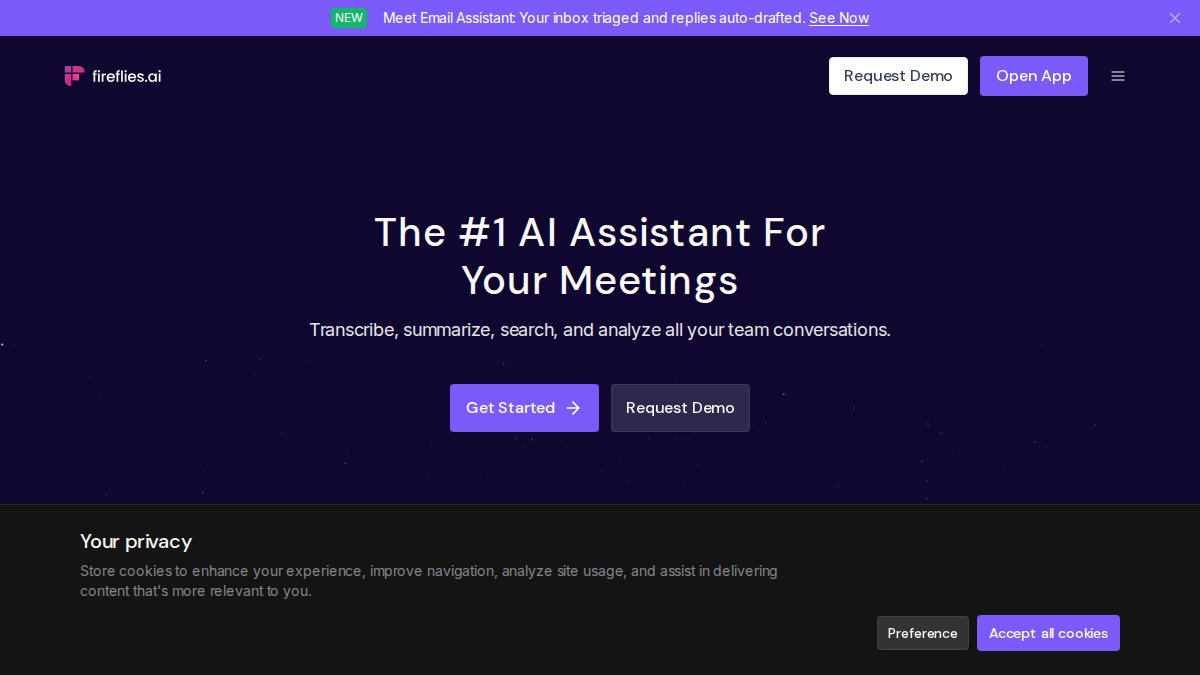
Fireflies.ai excels at team collaboration and conversation intelligence. The platform captures meetings across Zoom, Teams, and Google Meet, then generates summaries while tracking sentiment, speaker talk time, and topic mentions. The real differentiator is the conversation analytics dashboard, it shows which topics dominated discussion, how engaged each participant was, and sentiment shifts throughout the call.
According to Zapier's industry analysis of AI meeting summary tools, Fireflies.ai is specifically preferred for collaboration and topic tracking across distributed teams. The API access enables custom workflow integrations, making it viable for teams with complex automation needs.
The tradeoff: the interface can overwhelm new users. Setup requires connecting integrations and configuring notification preferences. For teams already comfortable with SaaS tools, this complexity disappears quickly.
3. Otter.ai: Best for Transcription Accuracy
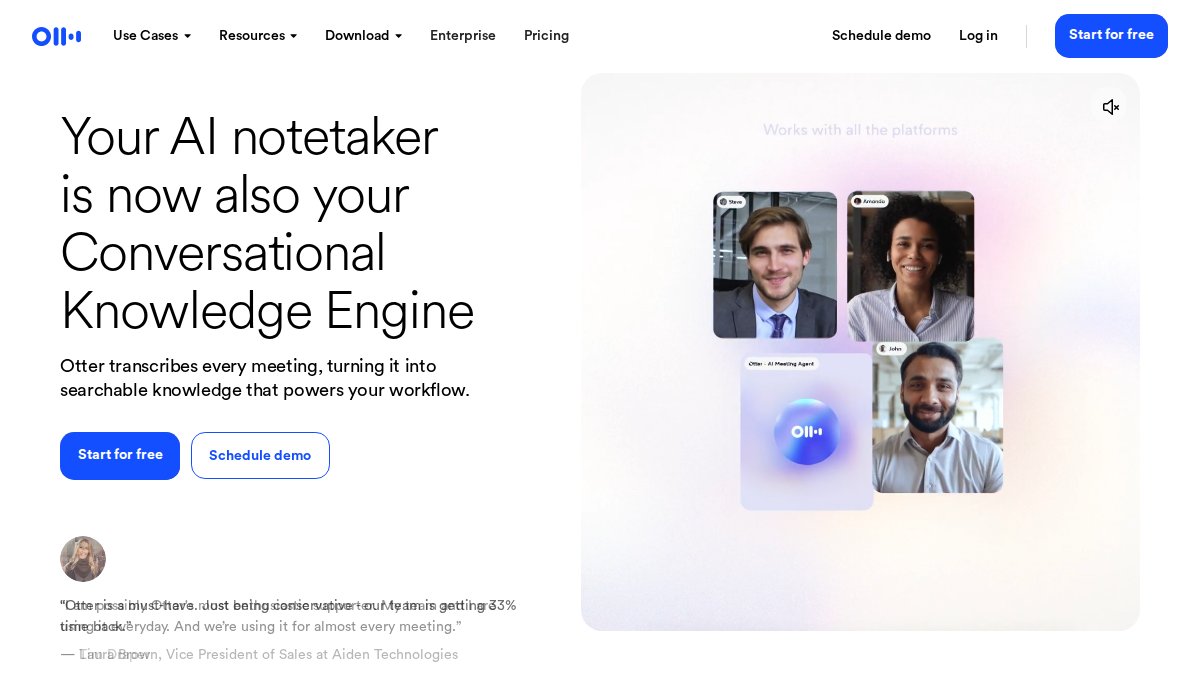
Otter.ai prioritizes transcription quality above all else. The platform delivers industry-leading accuracy on technical jargon, proper names, and multi-speaker environments. For teams in regulated industries or those handling sensitive content, this precision matters.
The searchability across past meetings is exceptional. You can search for specific phrases, names, or topics across your entire meeting archive and jump directly to the timestamp. Otter AI Chat lets you ask natural language questions about meeting content, "What did Sarah say about the Q3 budget?", and get precise answers with context.
The limitation: advanced features are gated behind higher subscription tiers. The free plan caps at 600 minutes monthly. Paid plans start at $10/user/month but unlock collaboration features, CRM integrations, and unlimited storage.
4. Granola: Best for Human-Centric Note-Taking
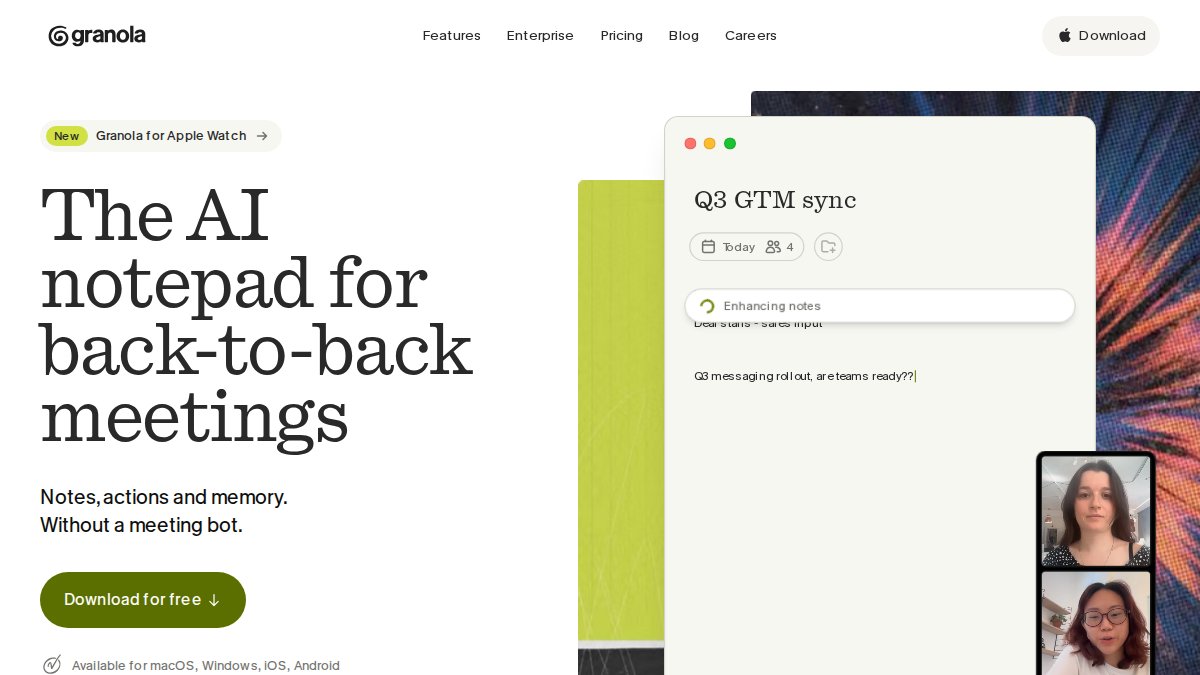
Granola takes a different approach: it assumes you want to take your own notes but need AI to polish them. The hybrid model blends human judgment with AI-assisted formatting, creating notes that feel natural rather than robotic.
The desktop-first architecture prioritizes speed and privacy. Core processing happens locally on your machine, not in the cloud. You take notes during the meeting, Granola cleans up formatting and grammar, then summarizes key points automatically. Integration with calendar tools means meeting context loads automatically.
This approach works best for teams that already have a note-taking discipline but want to reduce cleanup work. If your team doesn't take notes during meetings, Granola won't capture what you miss.
5. Avoma: Best for Sales Coaching
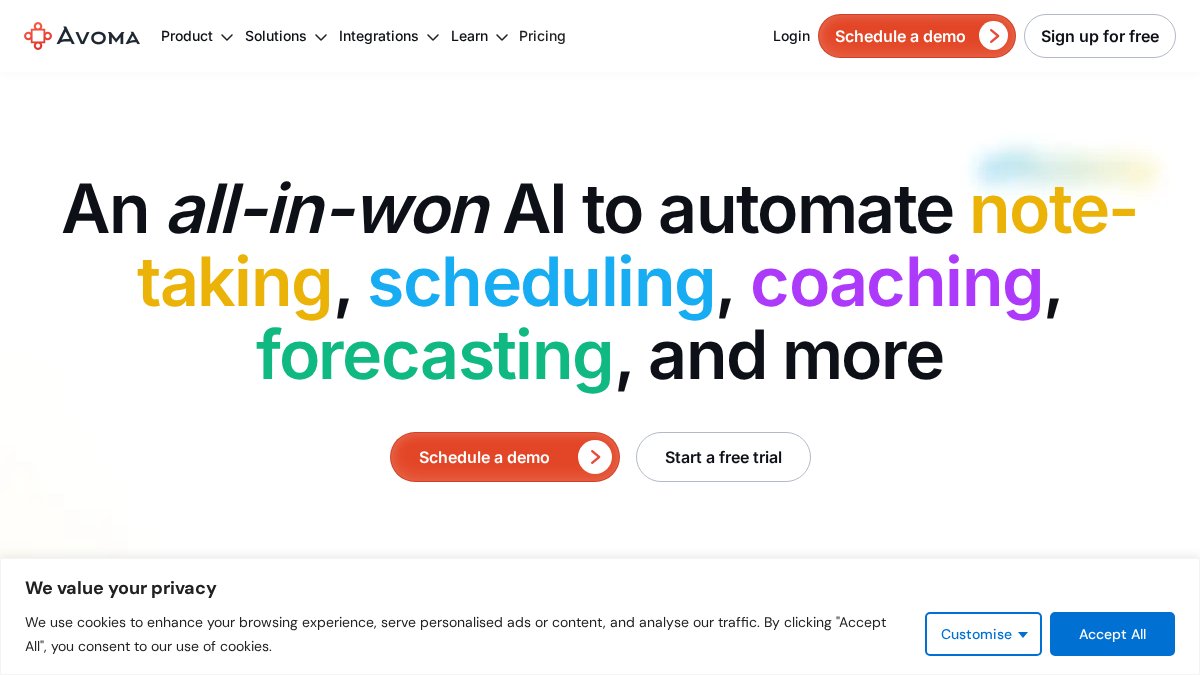
Avoma bundles meeting recording with conversation intelligence specifically designed for sales teams. The platform captures meetings, transcribes them, and analyzes call patterns to identify coaching opportunities. Managers can review talk time ratios, discovery questions asked, and objection handling effectiveness.
The agenda preparation feature is unique: build meeting agendas before calls, and Avoma tracks adherence during the meeting, flagging when conversations drift off-topic. For sales organizations with structured methodologies, this alignment tracking is valuable.
Pricing starts at $19/user/month, making it the highest-priced option in this comparison. The cost is justified for revenue teams where meeting quality directly impacts closed deals, but it's overkill for general project management.
6. tl;dv: Best for Multi-Language Support
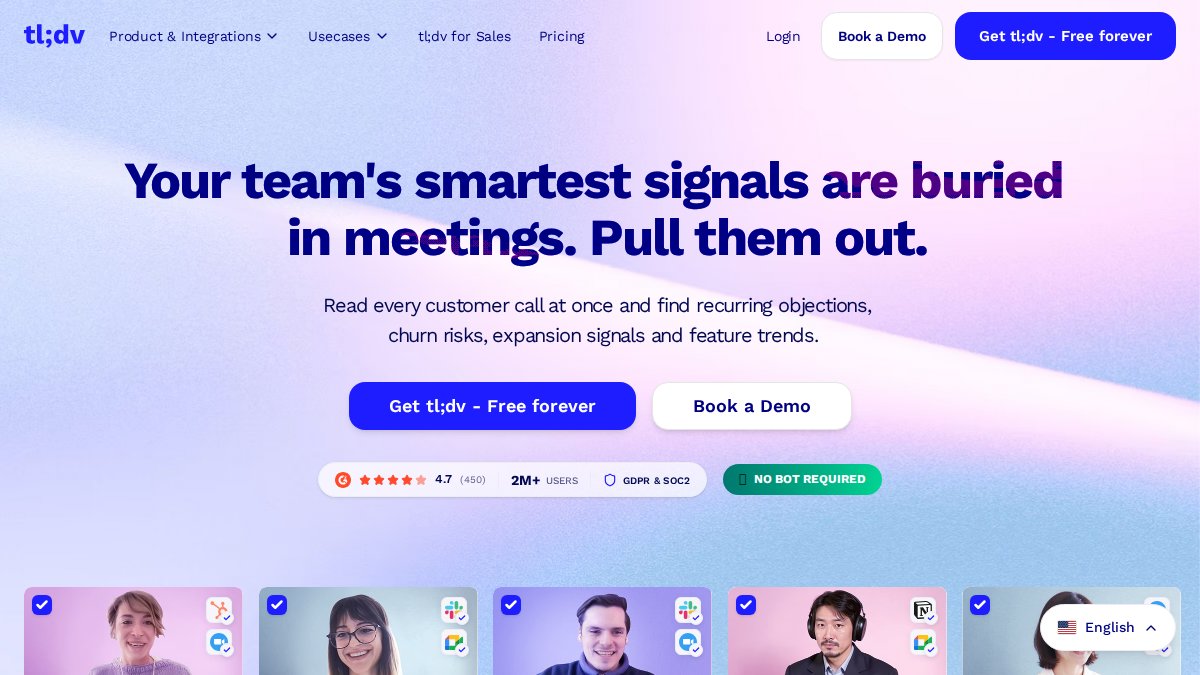
tl;dv specializes in creating searchable, timestamped meeting archives with native support for 30+ languages. The platform excels at capturing global teams where participants speak different languages. Each speaker's language is detected automatically, and transcripts include language-specific formatting.
The clip creation feature simplifies sharing: extract a 30-second highlight from a 60-minute meeting and share it directly to Slack or email. This is particularly valuable for asynchronous communication where team members can't attend live meetings.
According to tl;dv's performance review of AI meeting assistants, the platform handles 50+ hours of live meeting testing across five tools, with tl;dv standing out for multi-language accuracy and ease of clip sharing. The tradeoff is pricing: pro features start at $20/user/month, higher than most competitors.
7. Tactiq: Best Privacy-Focused Option
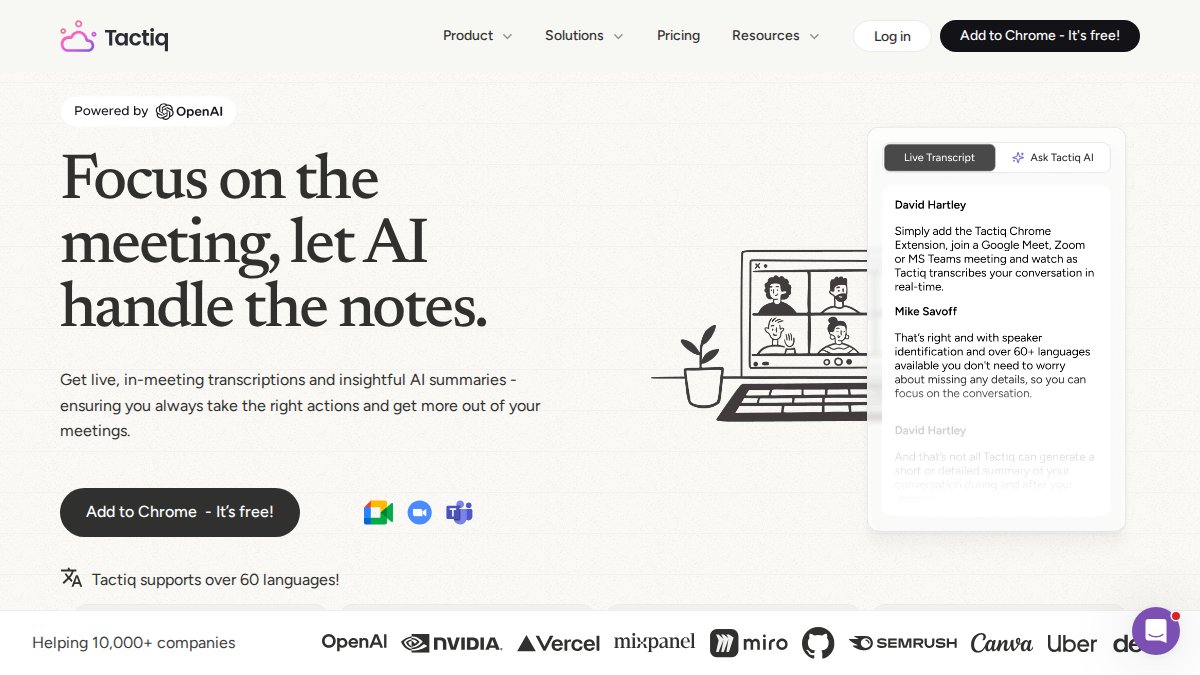
Tactiq operates as a browser extension that captures real-time captions without requiring a bot to join your meeting. This "bot-free" approach appeals to organizations where meeting security policies restrict third-party software. The tool records audio locally and processes transcription without sending raw audio to external servers.
Customizable AI prompts let you define exactly how summaries should be formatted. Export notes directly to Google Docs, Notion, or Slack in your preferred structure. The lightweight architecture means minimal performance impact on your video conferencing platform.
The catch: browser extension installation is required, and support is limited to platforms where Tactiq has built integration. Pricing at $8/user/month is competitive, but the privacy benefits justify the cost for compliance-conscious teams.
8. Read.ai: Best for Meeting Health Metrics
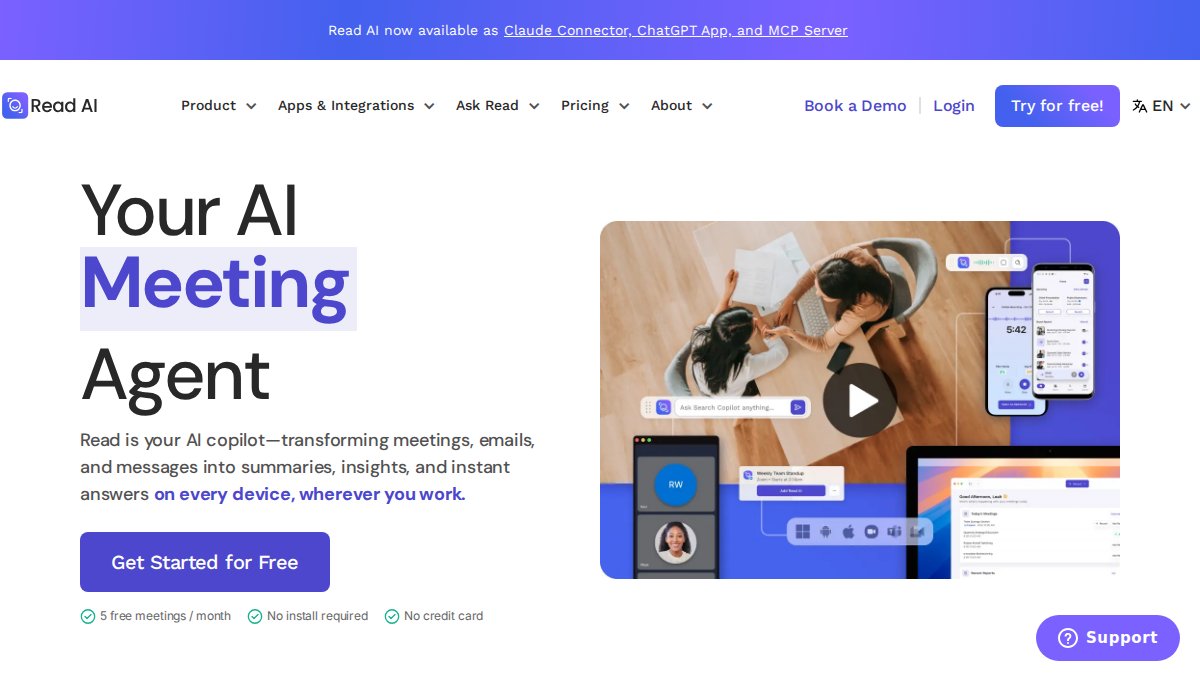
Read.ai focuses on meeting efficiency and engagement. The platform measures meeting health through metrics like speaker balance, meeting length efficiency, and participant engagement. Managers gain visibility into whether meetings are running effectively or wasting team time.
The automated summaries and action item tracking are solid, but the real value is the meeting health dashboard. Over time, you see patterns: which meeting types run too long, which participants dominate discussions, and which meetings could have been emails. This data drives organizational behavior change.
Pricing at $8.33/user/month (billed annually) is among the lowest in this category. The analytics may feel like overkill for simple note-taking needs, but for organizations trying to improve meeting culture, the insights justify the cost.
Privacy-Focused AI Note Takers for Enterprise Teams
Enterprise organizations require AI meeting note tools that meet strict data governance standards. Tactiq and Granola lead this category by processing core transcription locally rather than sending audio to cloud servers. For teams handling sensitive client information or operating under regulatory requirements, this distinction matters.
Tactiq's bot-free architecture means no third-party software joins your meeting call, reducing attack surface. Granola's desktop-first design ensures notes stay on your machine until you explicitly share them. Both tools offer transparent data handling, you can verify exactly where processing occurs.
For teams requiring formal security audits or compliance certifications, request SOC 2 reports directly from vendors. Most enterprise-grade tools now provide these, but verification prevents assumptions.
AI Meeting Summary Templates and Workflows
Standardized summary templates ensure consistency across your team and reduce cognitive load on whoever reviews notes. Most AI tools let you customize templates, but the most effective templates follow a simple structure:
Decision Log: What was decided, who decided it, and what changes result.
Action Items: Specific task, owner, and due date. This section syncs directly to your project management tool.
Key Metrics: Specific numbers, percentages, or KPIs discussed that affect planning.
Risks Identified: Any concerns or blockers raised during the meeting.
Next Steps: When the next meeting occurs and what should be prepared.
Automation matters here. Configure your AI tool to populate templates automatically, then have summaries route to Slack channels or project management systems where action items live. This prevents summaries from becoming read-once artifacts that nobody acts on.
Key Features to Compare Across Tools
When evaluating AI tools for meeting notes, focus on five core criteria:
Capture Method: Does the tool require a bot to join your meeting, or does it integrate with your video conferencing platform? Bot-free tools like Tactiq offer privacy advantages but require browser extensions.
Live Captioning: Real-time captions during meetings help participants stay engaged and catch important points. Not all tools offer this.
CRM Integration: Does the tool sync summaries and action items directly to Salesforce, HubSpot, or your CRM? This determines whether notes actually drive follow-up action or sit in isolation.
In-Person Meeting Utility: Some tools work only for video calls. If your team has in-person meetings, verify the tool handles that scenario. Granola and Tactiq handle hybrid settings better than cloud-only platforms.
Team-Level Controls: Can administrators set policies for recording, retention, and sharing? Enterprise teams need these controls; solo users don't.
Which Tool Should You Choose?
Start with your primary pain point. If transcription accuracy matters most, Otter.ai wins. If CRM integration is critical, Fathom or Fireflies.ai are stronger. If privacy is non-negotiable, Tactiq or Granola are your options.
For most teams, Fathom or Fireflies.ai deliver the best value. Fathom's unlimited free tier eliminates risk, and Fireflies.ai's collaboration features scale with growing teams. Both integrate with major CRM platforms and handle the core workflow: record, transcribe, summarize, sync.
The second decision is whether you need conversation intelligence or just documentation. If your team coaches on call quality, analyzes sales patterns, or tracks engagement metrics, Avoma or Read.ai justify their higher price. If you simply need accurate notes that sync to your workflow, the free or low-cost options suffice.
Frequently Asked Questions
Can AI tools automatically take meeting notes during live calls?
Yes. Most AI tools for meeting notes integrate directly with video conferencing platforms like Zoom, Microsoft Teams, and Google Meet. They can record the meeting, generate real-time transcription, and create automated summaries without requiring manual note-taking. Some tools (like Tactiq) use browser-based capture without joining the call as a bot, while others (like Otter.ai and Fireflies.ai) join as a participant. The choice depends on your preference for bot-free meetings versus full-featured analytics.
What makes privacy-focused AI note takers different from standard tools?
Privacy-focused AI note takers prioritize data security through browser-based processing, encryption, and minimal data transmission to external servers. Tools like Tactiq and Granola process core editing locally on your device rather than sending raw audio or transcripts to cloud servers. Enterprise teams handling sensitive client information benefit from tools that offer compliance certifications, data residency options, and transparent privacy policies. Always verify a tool's security documentation before storing confidential meeting content.
How do AI meeting summary templates improve team accountability?
AI meeting summary templates standardize the structure of meeting documentation, ensuring action items, decision owners, and deadlines are consistently captured. Tools use customizable templates tailored to specific meeting types (sales calls, project reviews, client check-ins), which reduces the time spent formatting notes and ensures critical details aren't missed. When all team members follow the same template structure, follow-up tasks are easier to track and assign, improving overall accountability across distributed teams.
What's the difference between transcript-first and note-first AI tools?
Transcript-first tools (like Otter.ai) prioritize capturing the full meeting conversation and generating searchable transcripts, making them ideal for compliance, reference, and detailed review. Note-first tools (like Granola) focus on creating concise, structured notes with AI assistance, better suited for professionals who prefer summaries over full transcripts. Choose transcript-first if you need complete records for legal or training purposes; choose note-first if your team values speed and brevity over comprehensive documentation.
Choosing the right AI tools for meeting notes depends on your workflow, team size, and specific priorities. For teams prioritizing privacy and control, Inkwell Tools offers AI-assisted project organization that processes your data securely in your browser, no cloud upload, no external servers. Explore tools that match your actual needs rather than defaulting to the most popular option. The best choice is the one your team will actually use.
Frequently Asked Questions
Q: Can AI tools automatically take meeting notes during live calls?
A: Yes. Most AI tools for meeting notes integrate directly with video conferencing platforms like Zoom, Microsoft Teams, and Google Meet. They can record the meeting, generate real-time transcription, and create automated summaries without requiring manual note-taking. Some tools (like Tactiq) use browser-based capture without joining the call as a bot, while others (like Otter.ai and Fireflies.ai) join as a participant. The choice depends on your preference for bot-free meetings versus full-featured analytics.
Q: What makes privacy-focused AI note takers different from standard tools?
A: Privacy-focused AI note takers prioritize data security through browser-based processing, encryption, and minimal data transmission to external servers. Tools like Tactiq and Granola process core editing locally on your device rather than sending raw audio or transcripts to cloud servers. Enterprise teams handling sensitive client information benefit from tools that offer compliance certifications, data residency options, and transparent privacy policies. Always verify a tool's security documentation before storing confidential meeting content.
Q: How do AI meeting summary templates improve team accountability?
A: AI meeting summary templates standardize the structure of meeting documentation, ensuring action items, decision owners, and deadlines are consistently captured. Tools use customizable templates tailored to specific meeting types (sales calls, project reviews, client check-ins), which reduces the time spent formatting notes and ensures critical details aren't missed. When all team members follow the same template structure, follow-up tasks are easier to track and assign, improving overall accountability across distributed teams.
Q: What's the difference between transcript-first and note-first AI tools?
A: Transcript-first tools (like Otter.ai) prioritize capturing the full meeting conversation and generating searchable transcripts, making them ideal for compliance, reference, and detailed review. Note-first tools (like Granola) focus on creating concise, structured notes with AI assistance, better suited for professionals who prefer summaries over full transcripts. Choose transcript-first if you need complete records for legal or training purposes; choose note-first if your team values speed and brevity over comprehensive documentation.