 listicle
Best EverSQL Alternatives for Database Teams
Table of Contents
- Why Database Teams Switch From EverSQL
- Quick Comparison Table of EverSQL Alternatives
- How to Improve Database Performance With Modern Tools
- Top EverSQL Alternatives for SQL Optimization
- Inkwell Tools: Privacy-First Query Optimization
- SolarWinds Database Performance Analyzer: Enterprise Wait-Time Analysis
- Redgate SQL Monitor: Multi-Platform Monitoring
- Datadog Database Monitoring: Full-Stack Observability
- Percona Monitoring and Management: Open-Source Alternative
- Releem: Workload-Based Tuning for MySQL and PostgreSQL
- SQL Execution Plan Analysis Tools: What Sets Them Apart
- Automated SQL Query Tuning Tools: Making the Right Choice
- Key Selection Criteria for Your Team
- Conclusion
- Frequently Asked Questions
Last Updated: August 29, 2026
Why Database Teams Switch From EverSQL
Database teams abandon point solutions when market conditions shift. EverSQL was built for AI-driven query optimization for MySQL and PostgreSQL, but the landscape has changed dramatically.
The global SQL performance tuning tools market reached USD 1.42 billion in 2024 and is projected to grow at a CAGR of 9.7% through 2033, according to Dataintelo's SQL Performance Tuning Tools Market Research. That growth comes from comprehensive observability platforms, workload-based tuning systems, and integrated DevOps solutions, not isolated query optimizers. Teams now need visibility across their entire database fleet, not just faster individual queries.
Cloud migrations and microservice architectures expanded database endpoints per enterprise from dozens to hundreds. Teams needed continuous monitoring, fleet-level query visibility, and cost attribution across multiple database engines. A single-engine query optimizer couldn't deliver that. Over 90% of database environments operate at reduced capacity, according to Presidio's database performance analysis, meaning optimization potential exists everywhere.
EverSQL is now part of Aiven, which simplifies adoption for teams already in that ecosystem. But if you're running a heterogeneous environment with SQL Server, Oracle, PostgreSQL, MySQL, Snowflake, or need deeper observability and cost analysis, you need to look beyond single-engine solutions.
Quick Comparison Table of EverSQL Alternatives
| Tool | Best For | Key Strength | Pricing Model |
|---|---|---|---|
| Inkwell Tools | Privacy-focused teams needing enterprise SQL optimization | In-browser processing, no data sent to servers | Free tier + subscription |
| SolarWinds DPA | Multi-vendor environments requiring deep wait-time analysis | Cross-platform support with historical baselines | $1,195/year per instance |
| Redgate SQL Monitor | Organizations managing diverse database estates | Single pane of glass for SQL Server, PostgreSQL, Oracle, MySQL, MongoDB | $1,164/year per server |
| Datadog Database Monitoring | Teams needing full-stack observability | Query samples linked to APM traces and infrastructure metrics | $70/host/month (annual) |
| Percona Monitoring and Management | Open-source database teams | Free, self-hosted query analytics for MySQL, PostgreSQL, MongoDB | Open-source (free) |
| Releem | MySQL and PostgreSQL shops | Workload-based tuning beyond query optimization | Contact for pricing |
How to Improve Database Performance With Modern Tools
Database performance is a continuous process of identifying bottlenecks, implementing fixes, and measuring impact. Modern tools approach this systematically through execution plan analysis, real-time monitoring, and automated recommendations.

Start with visibility. A one-tenth second delay in mobile page load can impact conversion rates by up to 10%, according to Think with Google's research on page load performance. You need to see where time is actually spent. Tools that capture execution plans and correlate queries back to application requests give you that visibility.
Next comes diagnosis. Query performance problems fall into a few categories: missing indexes, outdated statistics, inefficient query logic, or resource contention. Automated indexing tools suggest structural changes. Query rewriting tools analyze execution plans and recommend SQL text changes. Wait-time analysis tools pinpoint which resources queries are waiting on.
Finally comes implementation. Systematic performance tuning delivers reduced response times, lower operational costs, improved user experience, and enhanced compliance capabilities. The difference between a tool that recommends changes and one that automates them safely is operational overhead.
Top EverSQL Alternatives for SQL Optimization
Inkwell Tools: Privacy-First Query Optimization
Inkwell Tools brings enterprise-grade database optimization with a core principle: your data stays in your control. Core editing and analysis processes happen in your browser, not on remote servers. For teams handling sensitive customer data or operating under strict compliance requirements, this architecture eliminates data residency concerns entirely.
The platform analyzes SQL execution plans to identify performance bottlenecks, recommends index changes and query rewrites, and integrates with your development workflow through API access. Inkwell Tools handles T-SQL, Oracle, PostgreSQL, and MySQL with engine-aware recommendations. Every tool includes a real free tier with no trial timers.
Pros:
- Privacy-respecting architecture with in-browser processing
- Real free tier on every tool, no artificial limitations
- Enterprise-grade SQL optimization without vendor lock-in
- Supports multiple database engines with engine-specific recommendations
Cons:
- Smaller company means less enterprise integration ecosystem
- Requires manual implementation of recommendations
SolarWinds Database Performance Analyzer: Enterprise Wait-Time Analysis
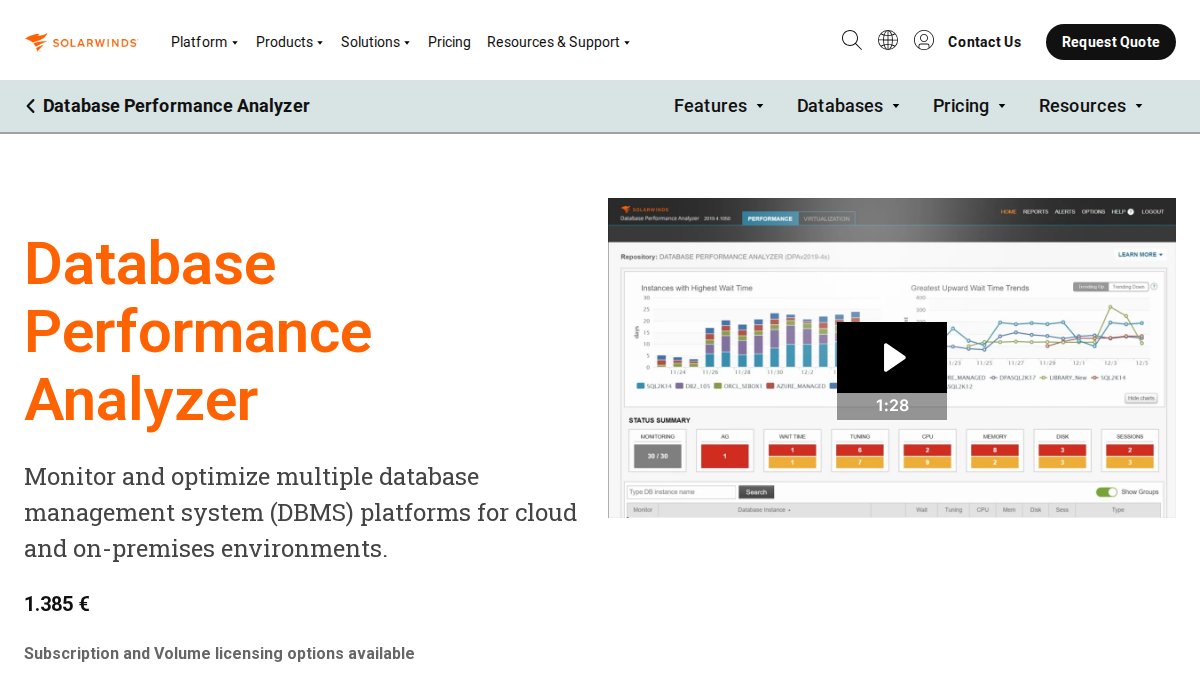
SolarWinds DPA answers where your query is actually spending time. It captures wait-time data across SQL Server, Oracle, MySQL, and PostgreSQL, then correlates it with execution plans and historical baselines. The platform includes machine learning for anomaly detection, learning your normal performance patterns and alerting when queries deviate from baseline behavior.
Pros:
- Deep wait-time analysis that pinpoints exact resource bottlenecks
- Supports multiple database platforms in a single dashboard
- Historical baselines simplify performance trending
- Machine learning anomaly detection catches problems early
Cons:
- Pricing can be significant for larger instances
- Some customers report substantial renewal increases and mandatory 3-year commitments
Redgate SQL Monitor: Multi-Platform Monitoring
Redgate SQL Monitor delivers comprehensive monitoring across SQL Server, PostgreSQL, Oracle, MySQL, and MongoDB from a single dashboard. For organizations managing heterogeneous database estates, this unified view eliminates context-switching between vendor-specific tools. The platform emphasizes query impact analysis, showing which application requests triggered slow queries and what the downstream impact was. Security auditing is built in for compliance-ready reporting.
Pros:
- Manages entire database estate from a single pane of glass
- Query impact analysis connects performance to user experience
- Built-in security auditing for compliance
- Customizable alerts with context-rich drill-down
Cons:
- No permanent free tier, only a trial period
- Pricing scales with instance count
- Steeper learning curve than single-platform tools
Datadog Database Monitoring: Full-Stack Observability
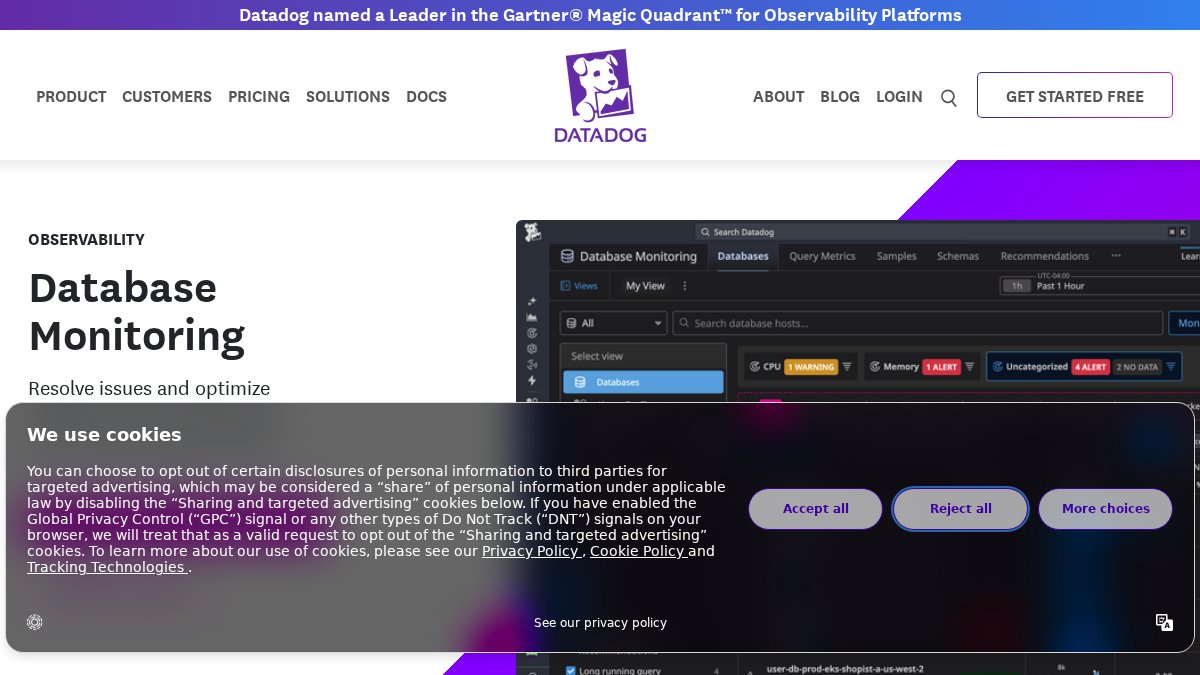
Datadog takes a different approach: don't isolate database performance from everything else. A slow query might be a database problem, a network problem, or an application problem that manifests as database load. Datadog Database Monitoring correlates query samples with APM traces, infrastructure metrics, and logs to show you the complete picture. Query samples capture actual execution plans automatically, and APM traces connect slow database queries back to specific application requests. The platform supports PostgreSQL, MySQL, SQL Server, Oracle, and cloud databases.
Pros:
- Full-stack correlation between database and application performance
- Query samples with actual execution plans captured automatically
- Strong integration with APM and infrastructure monitoring
- Supports multiple database engines
Cons:
- Pricing is consumption-based and can scale rapidly with usage
- Some features require Infrastructure Pro or Enterprise licenses on every host
Percona Monitoring and Management: Open-Source Alternative
Percona Monitoring and Management (PMM) is free, open-source, and self-hosted. For teams that want to avoid vendor lock-in, reduce cloud costs, or operate in air-gapped environments, PMM removes those constraints entirely. The platform provides query analytics to identify costly and slow-running queries, performance metrics and diagnostics for MySQL, PostgreSQL, and MongoDB, and built-in advisors for performance, security, and configuration recommendations. Because it's self-hosted, you control where data lives and how long it's retained.
Pros:
- Completely free and open-source
- Self-hosted means full control over data and retention
- Deep drill-down capabilities into query analytics
- Works completely offline without internet dependencies
Cons:
- Requires infrastructure investment and operational overhead
- Dashboard navigation can be unintuitive for new users

Releem: Workload-Based Tuning for MySQL and PostgreSQL
Releem focuses on a specific problem: most query optimization tools treat each query in isolation. Releem treats your entire workload as a system, analyzing how queries interact, how configuration affects workload behavior, and how schema design impacts overall throughput. The platform provides query optimization recommendations, MySQL configuration tuning, schema analysis, and workload-based recommendations. Optional safe automation lets you apply configuration changes automatically or review and apply manually.
This workload-centric approach catches optimization opportunities that query-by-query tools miss. A configuration change might slow one query by 2% but accelerate your entire workload by 8%.
Pros:
- Workload-based tuning catches system-level optimization opportunities
- Broader coverage than query-only tools, including configuration and schema
- Optional safe automation for configuration changes
- Repeated tuning over time as workload evolves
Cons:
- Pricing not publicly available
- Focuses primarily on MySQL and PostgreSQL
- Requires understanding of how configuration changes affect your specific workload
SQL Execution Plan Analysis Tools: What Sets Them Apart
Execution plans show exactly how the database engine intends to retrieve your data: which tables it will scan, which indexes it will use, how it will join results, and in what order it will execute operations. Reading an execution plan correctly tells you why a query is slow and what to fix.
The challenge is that execution plans are complex. Tools that visualize execution plans, highlight expensive operations, and explain why the optimizer made specific choices accelerate diagnosis dramatically. Native database tools like SQL Server's Query Store and PostgreSQL's EXPLAIN ANALYZE provide raw execution plans. Third-party tools add value by visualizing those plans, comparing them across time, and suggesting improvements. Inkwell Tools analyzes execution plans to identify specific bottlenecks: sequential scans where index scans would be faster, nested loop joins that should be hash joins, or filter operations that could be pushed earlier in the plan.
Automated SQL Query Tuning Tools: Making the Right Choice
Automated tuning sounds appealing: let the system fix your queries without human intervention. The reality is more nuanced. Automation works well for certain problems and creates new problems for others.
Automated indexing recommendations are the most mature automation category. Tools analyze your workload and identify missing indexes that would accelerate common queries. The catch is that indexes have costs: they consume disk space, slow down INSERT and UPDATE operations, and increase backup sizes.
Steve Stedman, SQL Server MVP and Consultant at Stedman Solutions, explains the core issue: "The biggest issue with the Database Tuning Advisor is that it evaluates only one side of the performance equation. It focuses on improving query performance without fully considering the long-term operational costs of the indexes it recommends."
Query rewriting automation is less mature. The safer approach is to use AI as a suggestion engine: it proposes rewrites, you validate them, you implement them.
Key Selection Criteria for Your Team
Choosing the right tool depends on five factors: your database engines, your team's expertise, your deployment model, your compliance requirements, and your budget.

Database Engines: If you run only MySQL or PostgreSQL, Releem or Percona PMM might be sufficient. If you run SQL Server, Oracle, and PostgreSQL, you need a tool like Redgate SQL Monitor or SolarWinds DPA that handles multiple engines.
Team Expertise: Teams with strong DBA skills can operate complex tools like SolarWinds DPA or Percona PMM. Teams with limited database expertise benefit from simpler, more opinionated tools like Releem. Inkwell Tools bridges this gap by providing enterprise-grade analysis without requiring deep database knowledge.
Deployment Model: If you run on-premises databases, self-hosted solutions like Percona PMM keep data local. If you run cloud databases, SaaS solutions like Datadog or Redgate simplify operations.
Compliance Requirements: If you handle sensitive data, privacy-respecting tools like Inkwell Tools that process data in-browser are essential. If you need audit trails and compliance reporting, Redgate SQL Monitor's built-in security auditing matters.
Budget: Open-source tools like Percona PMM have no licensing costs but require infrastructure investment. Commercial tools like SolarWinds DPA and Redgate SQL Monitor charge per instance. Datadog charges based on usage, which can surprise you if you have bursty workloads.
Conclusion
Database performance tuning has shifted from a specialized DBA skill to a continuous, system-wide practice. The tools that succeed today aren't single-purpose query optimizers but comprehensive platforms that provide visibility, diagnosis, and safe automation across your entire database infrastructure. The choice between EverSQL alternatives depends on your specific environment, team expertise, and compliance requirements. For teams prioritizing privacy, control, and transparent pricing, Inkwell Tools delivers enterprise-grade SQL optimization with real free tiers and no trial timers, processing analysis in your browser so sensitive data never leaves your control. Explore tools at inkwelltools.com to see how privacy-first database optimization fits your workflow.
Frequently Asked Questions
What are the best alternatives to EverSQL for query optimization?
Top alternatives include Inkwell Tools for privacy-first optimization, SolarWinds DPA for enterprise wait-time analysis, Redgate SQL Monitor for multi-platform support, and Percona Monitoring and Management for open-source teams. The best choice depends on your database engine, team size, and whether you need full-stack observability or focused query optimization. Each tool excels in different areas: some prioritize automated recommendations, others emphasize execution plan visualization and bottleneck identification.
How can automated SQL query tuning tools improve database performance?
Automated SQL query tuning tools reduce query execution time by analyzing execution plans, recommending indexes, and identifying resource bottlenecks. They detect slow queries in production databases and suggest schema changes or query refactoring. Systematic performance tuning delivers reduced response times, lower operational costs, and improved user experience. However, automated tools work best alongside manual review, blindly trusting recommendations can lead to index bloat and long-term performance issues, so validation by your DBA is essential.
What features should database teams prioritize when selecting a SQL optimization tool?
Prioritize tools that offer real-time monitoring, execution plan analysis, workload-based tuning, and integration with your DevOps workflow. Look for support of your specific database engine (SQL Server, PostgreSQL, MySQL, Oracle), historical performance baselines for trend analysis, and security/compliance capabilities if handling sensitive data. Consider whether you need full-stack observability connecting database metrics to application traces, or focused query-level diagnostics. Verify the tool supports your deployment model, cloud, on-premises, or hybrid.
Is AI-driven SQL optimization reliable for production databases?
AI-driven optimization can deliver significant performance gains. However, reliability depends on implementation. AI optimizers excel at query text rewriting and pattern recognition, but they lack awareness of business logic and can over-optimize without understanding long-term operational costs. Pair AI recommendations with database-native advisors that analyze real execution plans and statistics. Always test recommendations in staging before production deployment, and maintain DBA oversight to catch edge cases AI might miss.
How does Inkwell Tools compare to traditional SQL performance platforms?
Inkwell Tools emphasizes privacy-first optimization with core editing processed in your browser, real free tiers with no trial timers, and lean single-purpose design. Traditional platforms like SolarWinds or Redgate offer broader feature sets and enterprise support but may involve data transmission to external servers and complex pricing models. Inkwell prioritizes transparency and security for teams handling sensitive client data, while traditional platforms excel at multi-vendor environments requiring comprehensive monitoring across entire database estates. Choose based on whether your priority is privacy and simplicity or breadth of features.
This article was written using GrandRanker