
 listicle
Top 5 Document Management Systems: 2026 Review
Table of Contents
- What to Look For in Document Management Systems
- Quick Comparison: Top 5 Document Management Systems
- 1. Inkwell Tools: Privacy-First Document Management
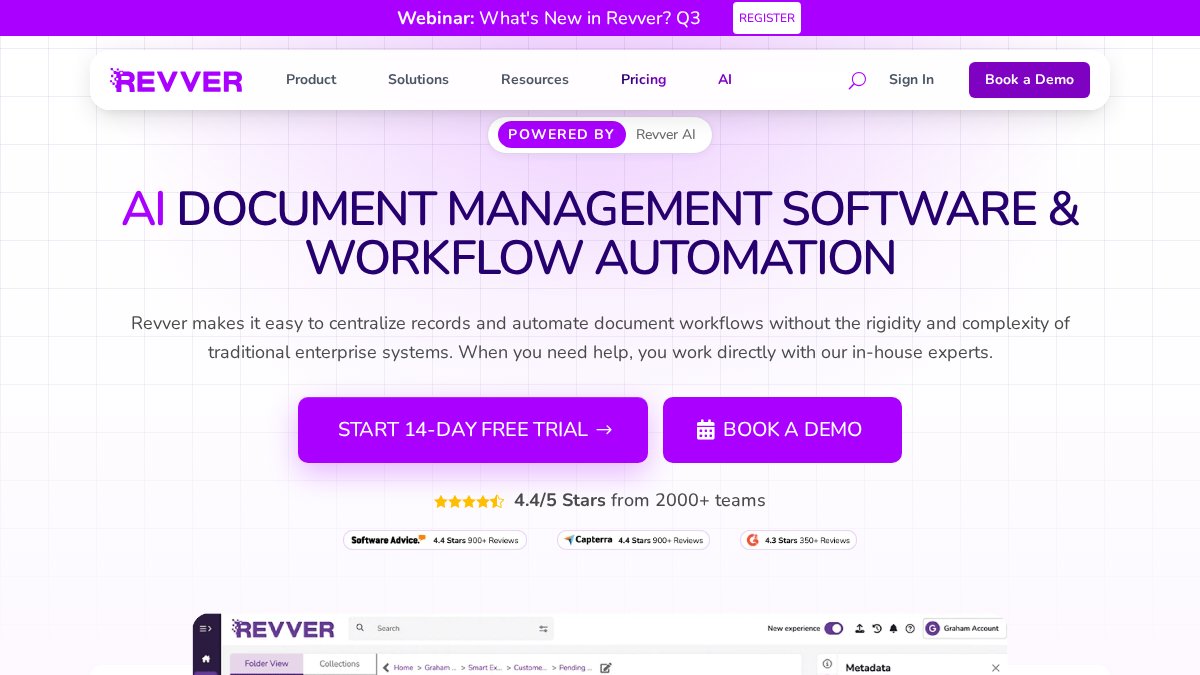
- 2. Revver: Document Control and Workflow Automation
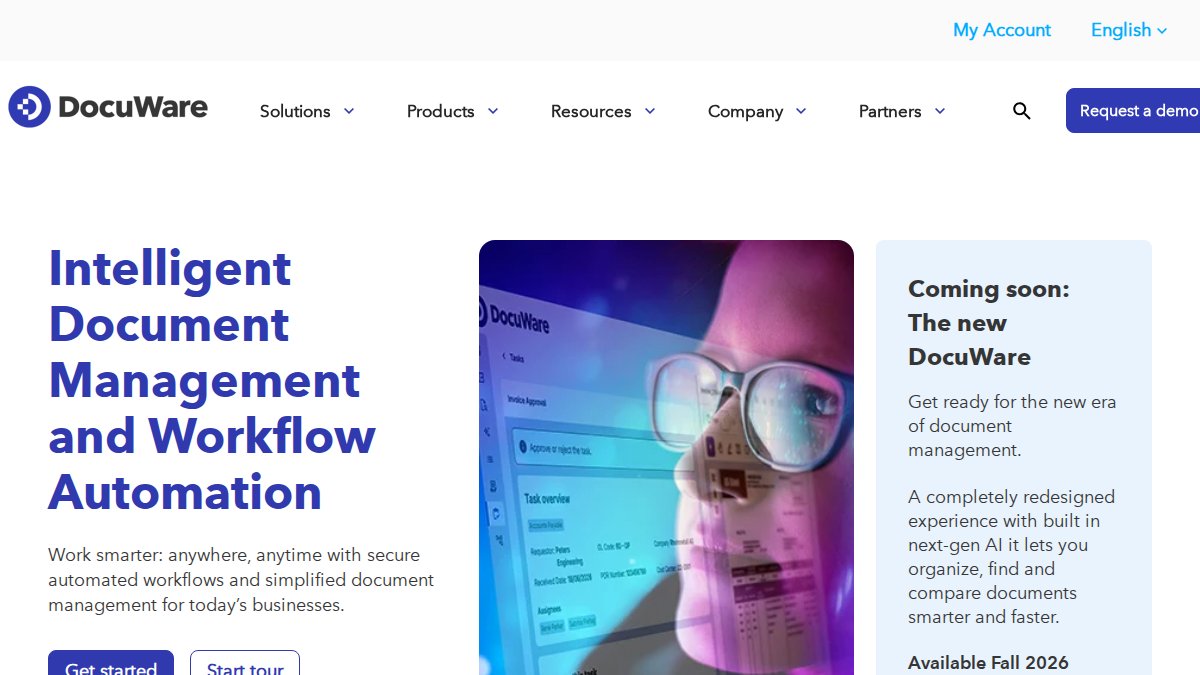
- 3. DocuWare: Enterprise Workflow Automation
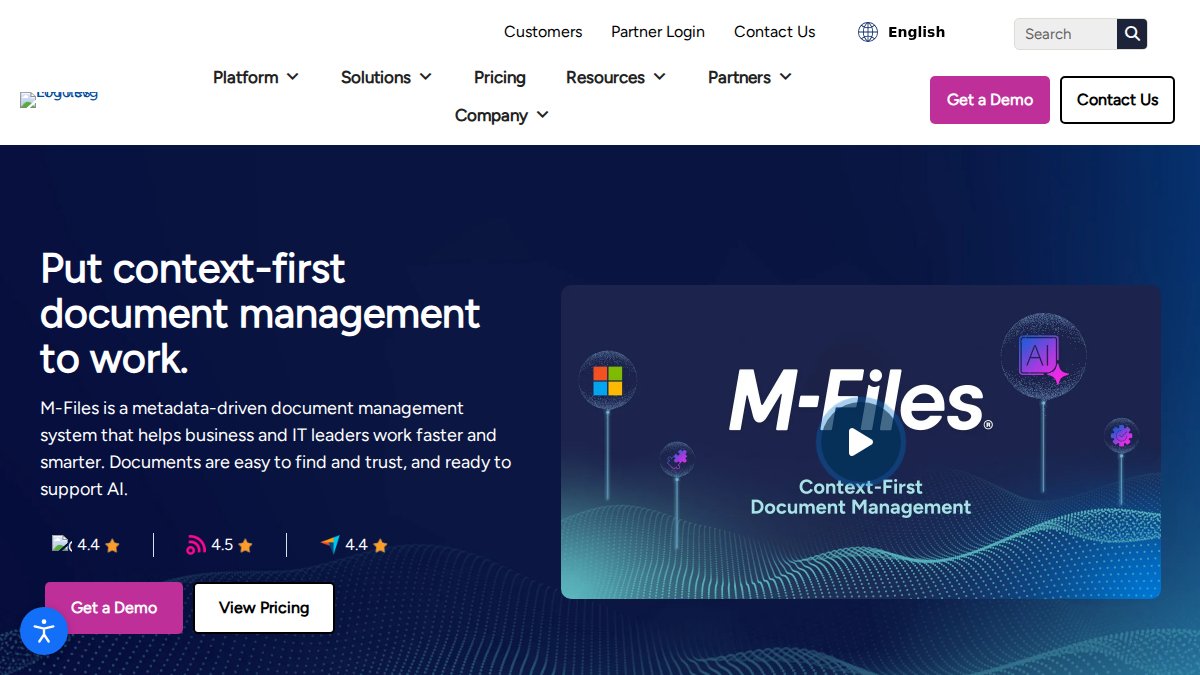
- 4. M-Files: Metadata-Driven Organization
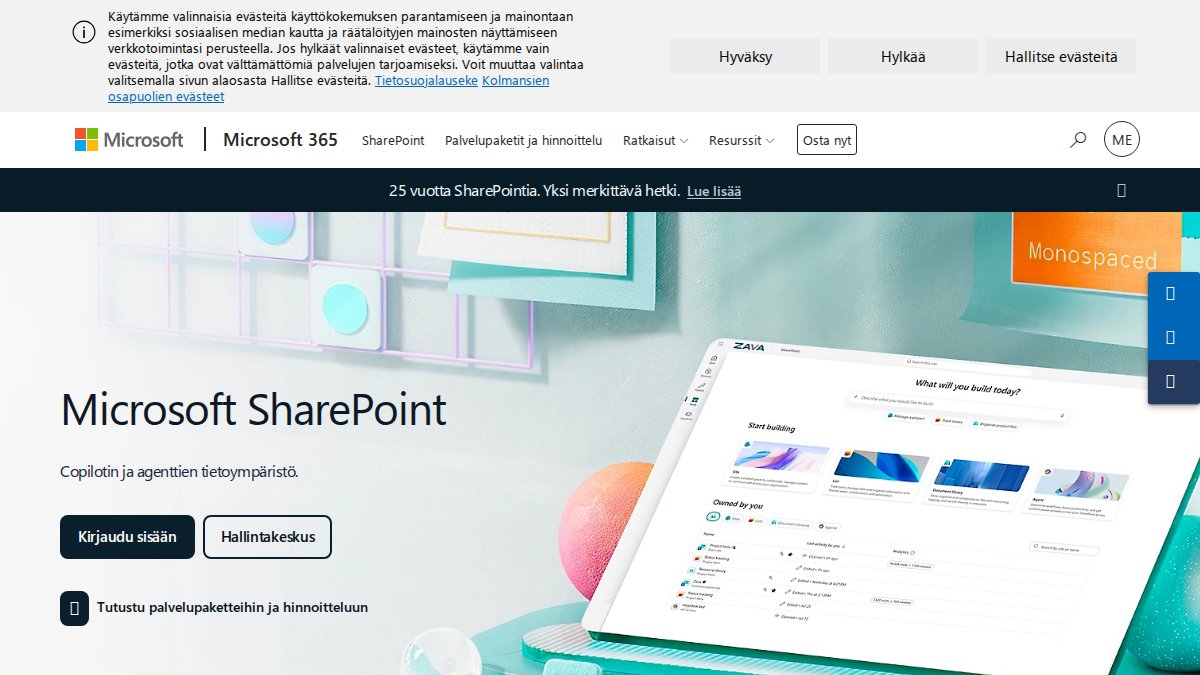
- 5. Microsoft SharePoint: Deep Microsoft 365 Integration
- Secure Document Management Best Practices
- Frequently Asked Questions
Last Updated: September 25, 2026
What to Look For in Document Management Systems
The global document management system market hit $11.48 billion in 2026 and is projected to reach $18.66 billion by 2030, growing at 12.9% annually, according to Research and Markets' 2026 DMS report. That growth signals something important: organizations are done treating file storage as an afterthought. This guide from Inkwell Tools cuts through the vendor noise and ranks the top 5 document management systems by what actually matters in practice.
The top document management systems often serve different priorities, from privacy-first browser processing to deep enterprise automation.
Here's the tension most buyers miss: the biggest platforms aren't automatically the best fit.
Security, Compliance, and Integration Essentials
A document management system is software that stores, organizes, tracks, and controls access to an organization's files throughout their lifecycle. The core requirements to evaluate fall into three buckets:
- Data security: encryption at rest and in transit, access control, permission levels, and disaster recovery
- Compliance: audit trails, retention policies, and support for regulatory requirements
- Integration: API connectivity, workflow automation, and links to your existing business apps
Quick Comparison: Top 5 Document Management Systems
Each system below targets a distinct buyer. The table summarizes pricing models, standout features, and ideal use cases so you can scan before reading the details.

| System | Pricing Model | Best For | Standout Feature |
|---|---|---|---|
| Inkwell Tools | Real free tier; paid upgrades | Privacy-conscious teams and individuals | In-browser document editing, no upload required |
| Revver | Subscription (contact for pricing) | Strict document control needs | Automated workflows and audit trails |
| DocuWare | Subscription (contact for pricing) | Mid-to-large enterprises | ERP and CRM integrations |
| M-Files | Subscription (contact for pricing) | Complex file structures | Metadata-driven organization |
| Microsoft SharePoint | From $5.00/user/month | Microsoft 365 organizations | Office app integration and co-authoring |
1. Inkwell Tools: Privacy-First Document Management
Inkwell Tools solves a problem many enterprise solutions overlook: handling sensitive files without sending them anywhere. Core editing happens in your browser, so a document you're filling or converting never leaves your machine.
What works:
- Real free tier on every tool, with no trial timers counting down
- Lean, single-purpose tools rather than bloated bundles
- AI-assisted project organization with source tracing
- A portion of revenue funds scholarships for BIPOC students
Filling a PDF Document Without Uploading It
Filling a PDF document is the process of entering text, checkboxes, or signatures into an existing PDF form. With Inkwell Tools, that process runs entirely in your browser, so the file never touches a remote server.
The practical steps:
- Open the PDF tool in your browser
- Load your document locally
- Fill fields directly in the interface
- Download the completed file
2. Revver: Document Control and Workflow Automation
Revver targets organizations that live and die by document control. Its strengths are automated document workflows, secure cloud storage, and compliance-focused audit trails.
3. DocuWare: Enterprise Workflow Automation
DocuWare is built for digital transformation at scale. Intelligent indexing, automated invoice processing, and integrations with ERP and CRM systems make it a fit for document-heavy operations.
4. M-Files: Metadata-Driven Organization
M-Files organizes documents by what they are, not where they sit. That metadata-first approach eliminates folder sprawl and makes large repositories searchable in ways traditional systems can't match.
5. Microsoft SharePoint: Deep Microsoft 365 Integration
Complex administration is the recurring complaint. Smaller teams often need an IT resource to keep it running well.
Secure Document Management Best Practices
Strong document security comes down to consistent habits, not one-time setup. But habits only hold if the system is configured to enforce them, and if you understand what the whole thing costs before you sign. This section covers both, because the two are inseparable in practice.
The Operating Checklist
- Enforce least-privilege access. Give users the minimum permission levels their role requires, and review those grants quarterly. Permission drift is the most common finding in a post-incident review.
- Turn on audit trails. Log who accessed, edited, or shared every sensitive file. An audit trail you cannot export is not useful during a compliance review.
- Set retention policies. Define how long documents live and when they are destroyed, and make sure legal holds can override deletion.
- Encrypt everything. At rest and in transit, no exceptions.
- Test disaster recovery. A backup you have never restored is not a backup. Schedule a restore drill at least annually.
The Federal Trade Commission's data security guidance is a solid reference for protecting sensitive business records.
Total Cost of Ownership: The Line Items Vendors Don't Quote
Subscription price is the smallest part of what you will actually spend. The real cost often exceeds the sticker price in year one, driven by the items below. Build these into your budget before you compare vendors, because a cheaper subscription with heavy implementation costs is often the more expensive choice.
- Per-user licensing and seat minimums. Many vendors quote a low per-user rate but require a minimum seat count or an annual commitment. A $12/user/month plan with a 25-seat minimum is a $3,600 annual floor whether you have 25 users or not.
- Storage overages. Included storage is usually generous at the entry tier and expensive above it. Estimate your current repository size, then double it, document volume grows faster than headcount.
- Implementation and configuration. Metadata schema design, workflow build-out, and connector setup are frequently billed as professional services. This is where mid-market projects most often blow their budget.
- Migration of legacy data. Moving years of files out of shared drives, a legacy DMS, or a file server is a project in itself. Plan for mapping old folder structures to new metadata, deduplicating, and validating that nothing was lost. Budget time for a parallel-run period where both systems are live.
- Training and change management. A system nobody uses is a sunk cost. Factor in training hours and the productivity dip during the first month.
- Integration development. Custom connectors to systems without a native integration are typically the largest hidden cost. Get a written estimate before signing.
- Renewal escalation. Ask what the renewal increase cap is. Multi-year agreements often lock a lower rate; month-to-month pricing usually does not.
A Migration Reality Check
Most articles rank tools and stop there. The step that actually determines success is migration, and it is where projects fail. A workable sequence:
- Inventory before you move. Catalog what you have, how much of it is duplicate or obsolete, and which documents are subject to retention or legal hold.
- Design metadata first. Decide the fields that will drive search and retention before importing a single file. Retrofitting metadata after migration is far more expensive than getting it right up front.
- Migrate in waves, not all at once. Start with one department or document type, validate, then expand. A failed pilot is cheap; a failed enterprise migration is not.
- Run parallel. Keep the old system read-only for a defined period so users can verify nothing is missing.
- Decommission deliberately. Retire the legacy system only after the parallel period closes and retention obligations are satisfied.
Where AI Is Actually Helping
AI-driven automation and cloud-versus-on-premises decisions are the two trends shaping buying choices this year. The useful applications are narrower than the marketing suggests: automatic metadata tagging (reading a document and suggesting its type, date, and parties), semantic search that finds a document by meaning rather than exact keyword, and anomaly detection that flags unusual access patterns. The value is real but incremental, treat AI features as a tiebreaker between otherwise comparable systems, not the reason to buy.
Frequently Asked Questions
What is the best document management software for small businesses?
For small businesses, the best document management systems balance affordability with core features like secure storage, version control, and search. Microsoft SharePoint starts at $5 per user per month and suits teams already using Microsoft 365. Google Workspace offers a free tier for shared drives. Inkwell Tools provides a real free tier with no trial timers, making it a suitable option for teams that need privacy-first document handling without a long-term commitment.
How do I choose the right document management system for my team?
Start by mapping your team's actual workflows: how documents are created, edited, approved, and stored. Then evaluate systems against four criteria: security and compliance requirements, integration with tools you already use, scalability for your expected growth, and total cost of ownership. Choosing a platform that can scale with your organization matters. Request demos and test with real documents before committing.
What are the key security features to look for in a document management system?
Prioritize encryption at rest and in transit, granular access controls, audit trails that log every document action, and retention policies that automate compliance. For regulated industries, verify the system supports standards relevant to your sector, such as HIPAA for healthcare or SOX for financial services. Cloud-based systems from established providers often exceed what most organizations can achieve with local storage, but verify their certifications directly. Inkwell Tools processes core editing in the browser, which means sensitive files never leave your device during editing.
Is cloud-based document management safer than local storage?
Cloud-based document management systems typically offer stronger security than local storage for most organizations. Providers invest in encryption, disaster recovery, and compliance certifications that would be costly to replicate on-premises. The trade-off is data sovereignty: your documents reside on the provider's servers. For organizations with strict data residency requirements, on-premises options like DocuWare remain available. The key is matching your deployment model to your compliance obligations and risk tolerance, not assuming one approach is universally safer.
What is the difference between a DMS and a CMS?
A document management system (DMS) focuses on storing, organizing, and controlling access to files throughout their lifecycle, with features like version control, audit trails, and retention policies. A content management system (CMS) is built for publishing and managing web content, such as articles, images, and pages on a website. Some platforms overlap, but the core purpose differs: DMS tools manage internal documents for compliance and collaboration, while CMS tools manage external-facing content for audiences.